Manuals
4-58
Printing a Document
4
5
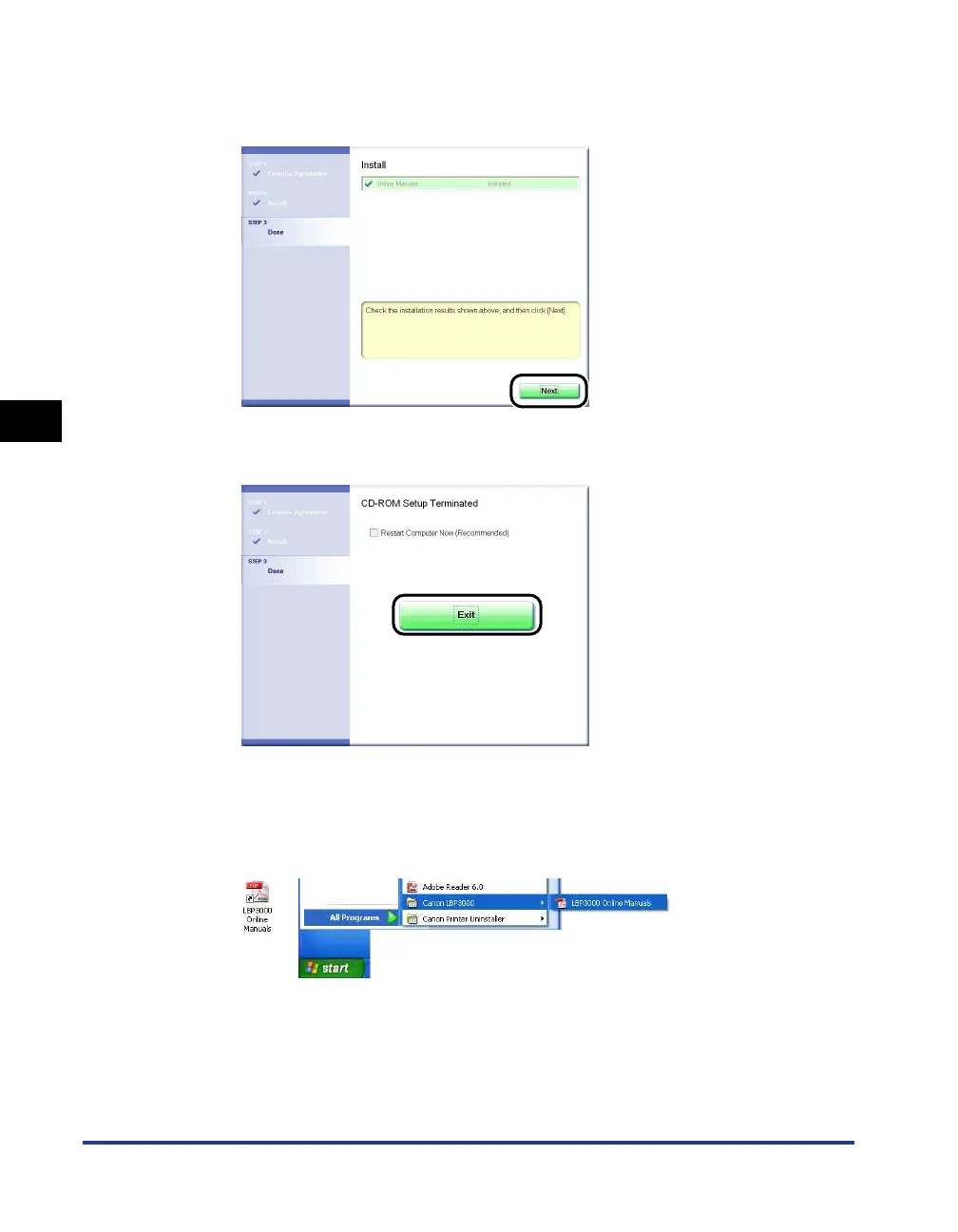
When screen for completing the installation appears, click
[Next].
6
Click [Exit].
The installation of the manuals is completed.
To see the manuals, double-click [LBP3000 Online Manuals] created on the
desktop to display respective manuals or select [Canon LBP3000] - [LBP3000
Online Manuals] added to [All Programs] ([Programs] for Windows 98/Me/2000)
under the [Start] menu.











 To Next Page