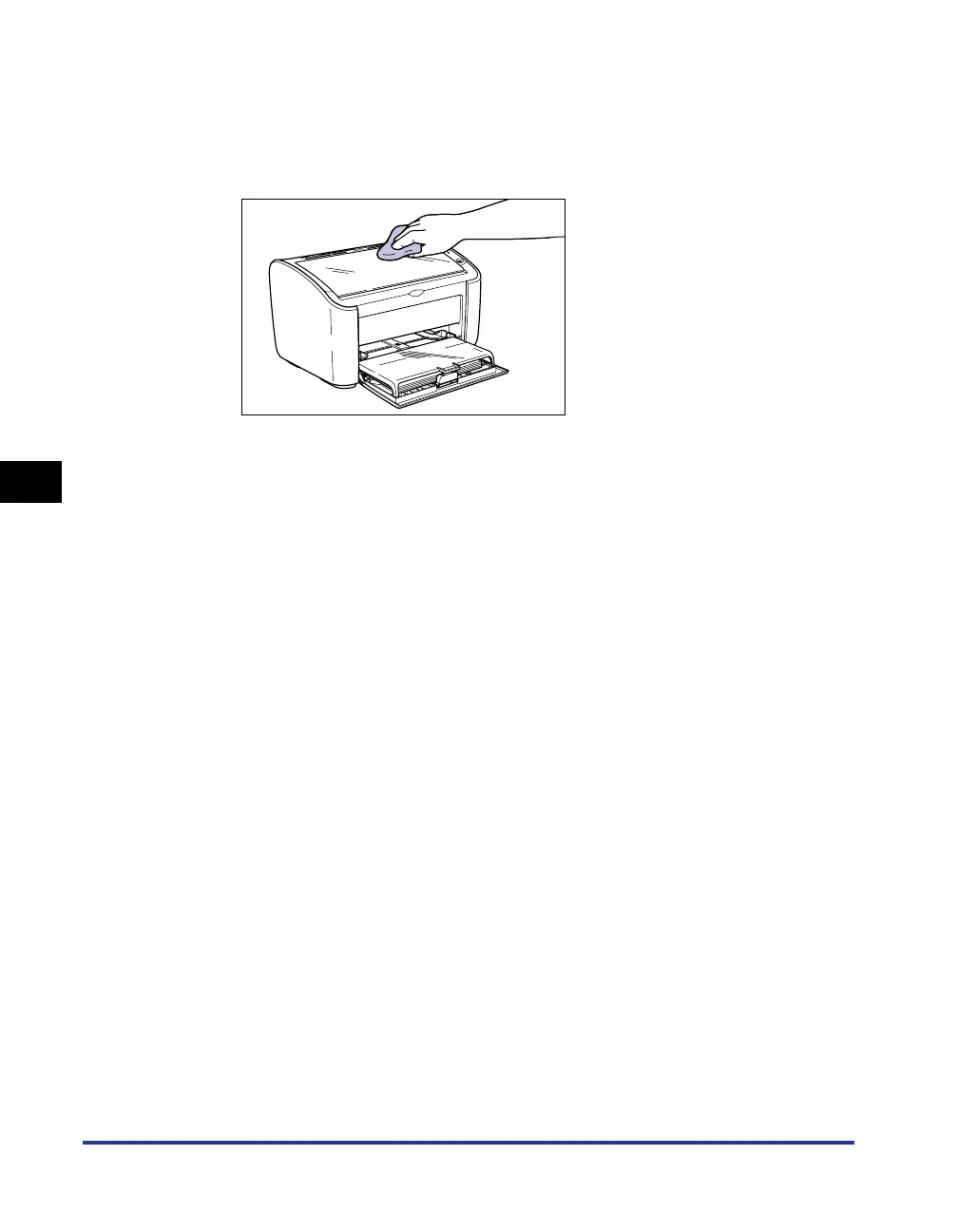
Clean the outside of the printer
5-20
Routine Maintenance
5
2
Firmly wring a soft cloth dampened with water or a mild
detergent diluted with water, and wipe off the dirt.
If you use a mild detergent for cleaning, be sure to wipe away the detergent with
a soft cloth dampened with water.
3
After wiping off the dirt, wipe the printer with a dry cloth.
4
Once the printer is completely dry, plug the power plug into
the power outlet and reconnect the USB cable.











 To Next Page