Paper Jams
6-5
Troubleshooting
6
•
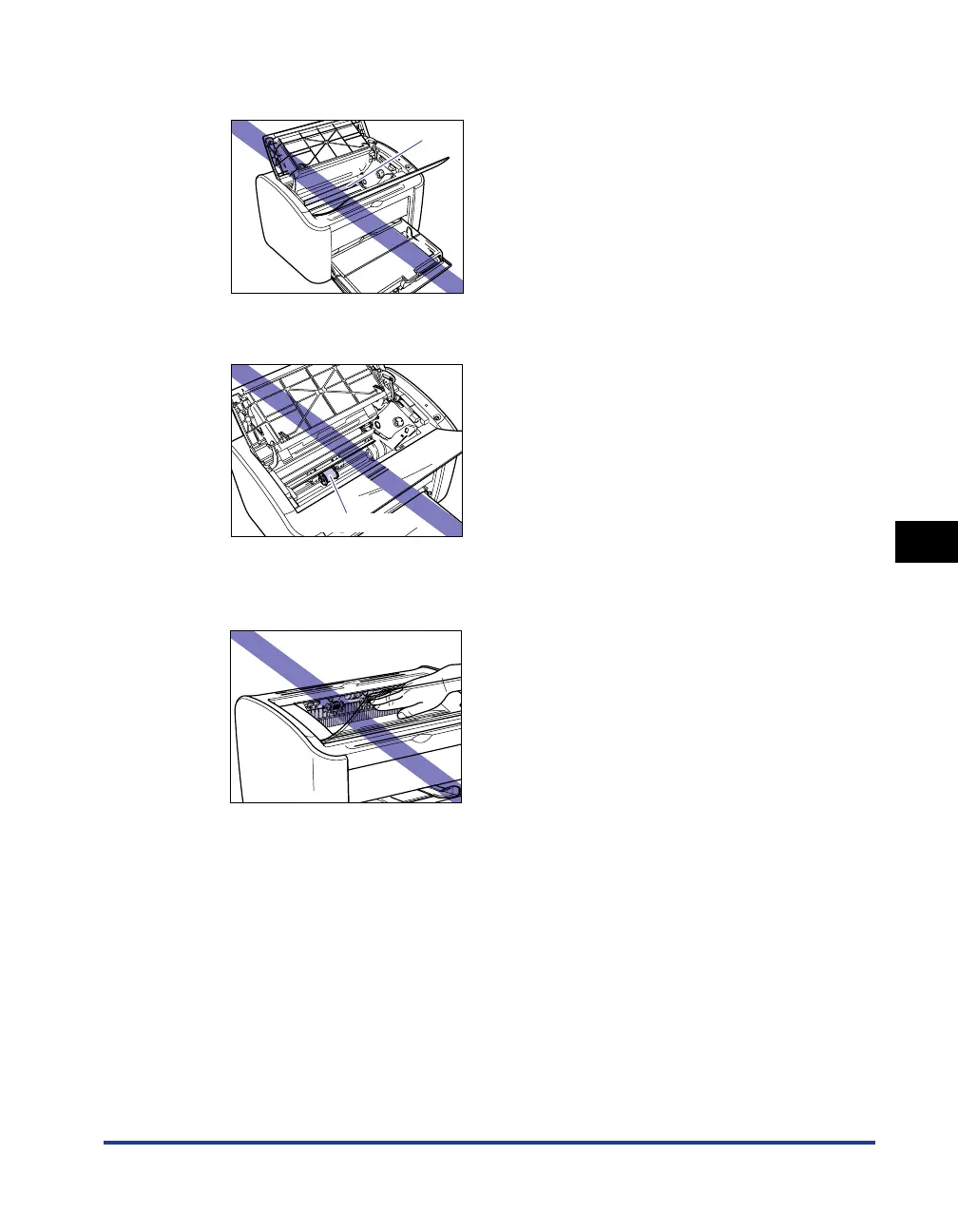
Do not touch the transfer roller under any circumstances. Doing so may cause the print
quality to deteriorate.
•
Do not touch the paper feed roller under any circumstances. Doing so may cause the
paper feed mechanism to malfunction.
•
The area around the output tray becomes very hot during printing and directly after
printing. When you are collecting paper from the output tray or clearing a paper jam, be
careful not to touch the area around the output tray.
Transfer Roller
Paper Feed Roller











 To Next Page