Paper Jams
6-9
Troubleshooting
6
4
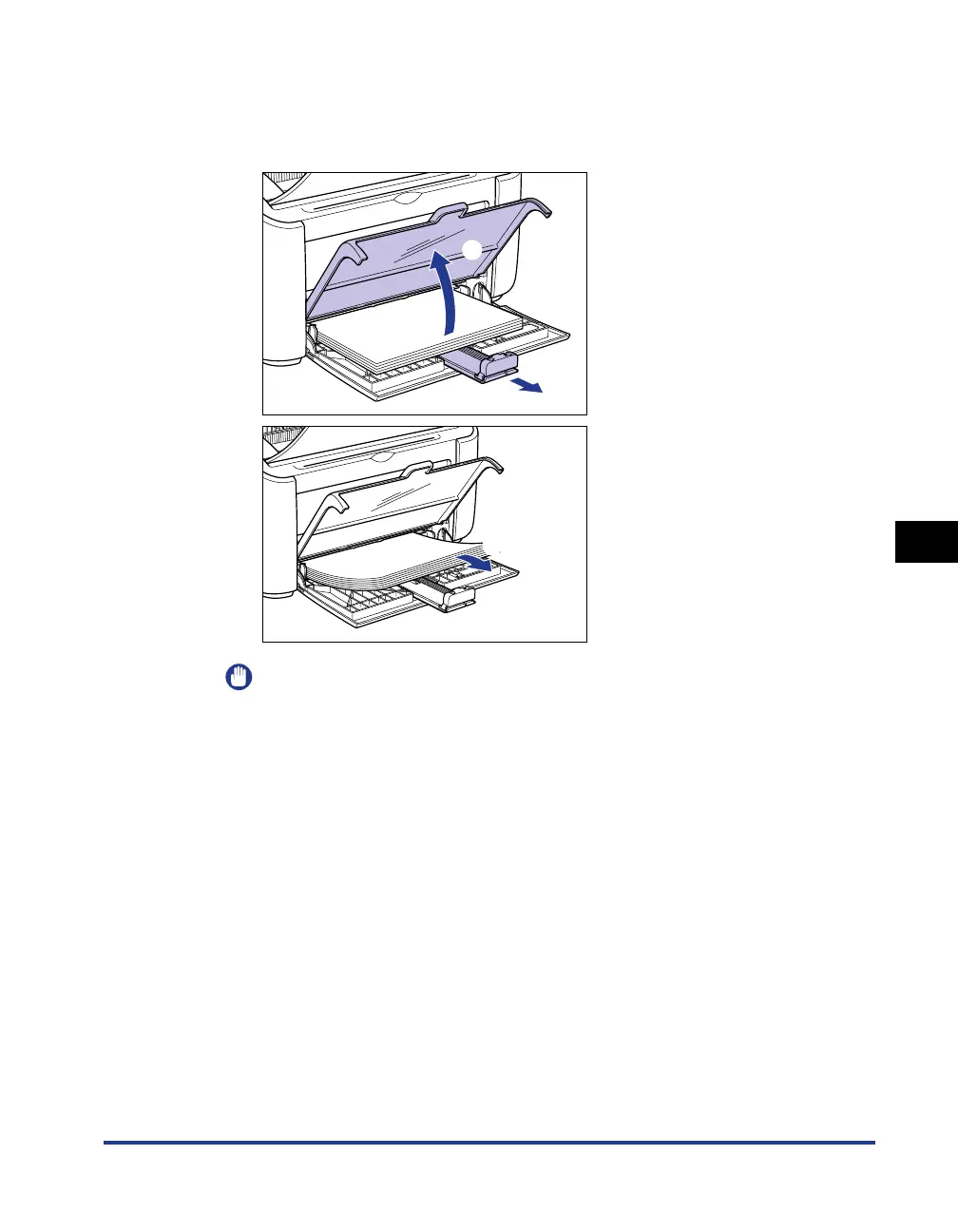
Remove any paper from the multi-purpose tray.
Open the tray cover up to the position where it stops a, pull out the rear paper
guide b, and then remove the paper c.
IMPORTANT
Even if the paper is jammed in the multi-purpose tray, do not clear the jam, but
continue with the following steps.
a
b
c











 To Next Page