Printing on Index Card
2-31
Loading and Delivering Paper
2
2
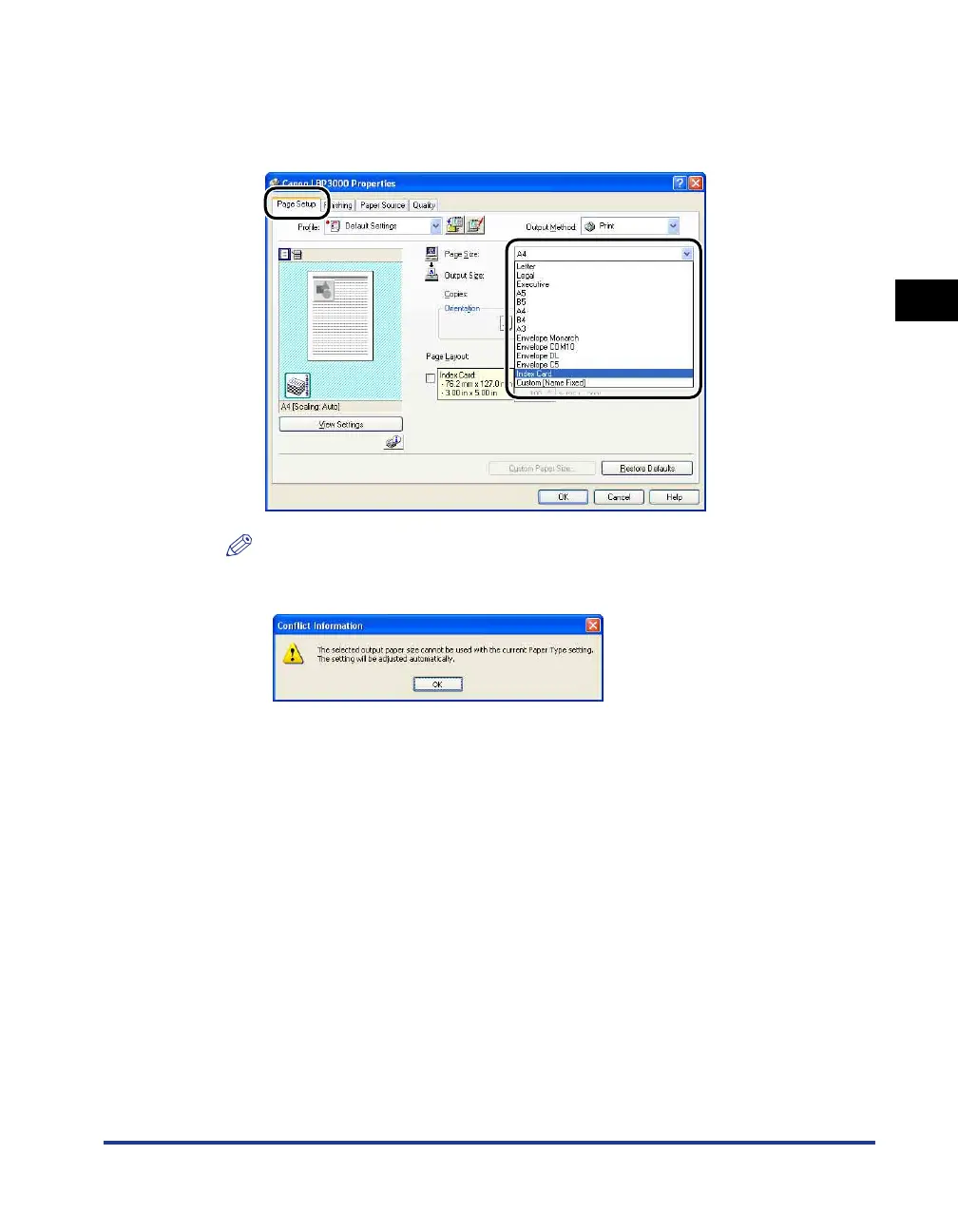
Display the [Page Setup] sheet, then set the [Page Size]
setting to the size of the document that you created in the
application.
NOTE
When you set the page size to [Index Card], the following message is displayed
and the paper type is automatically changed.











 To Next Page