Printing on Envelopes
2-37
Loading and Delivering Paper
2
NOTE
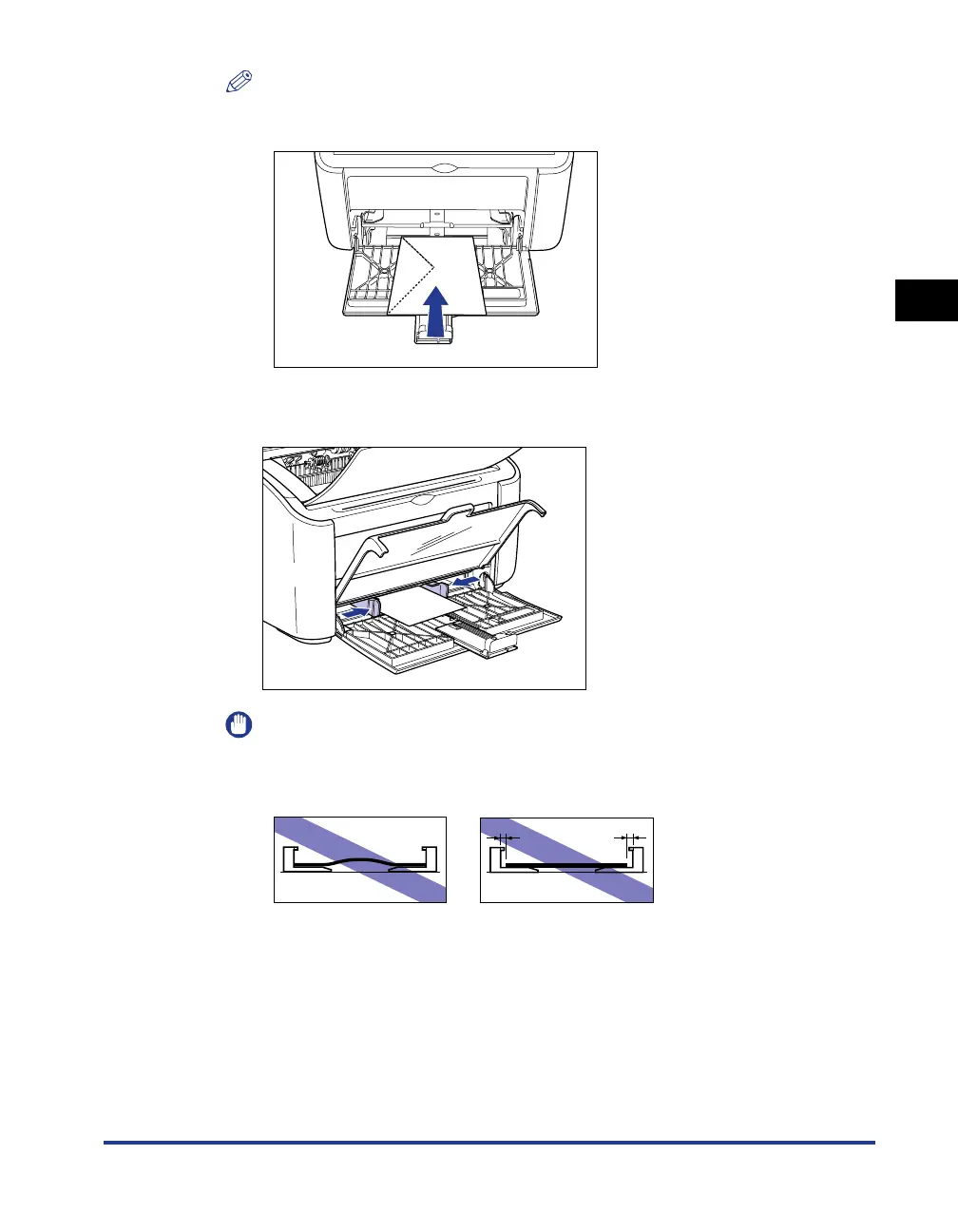
When you are printing on envelopes, load the envelopes with the paper surface
(the side you want to print on) facing up, and the envelope flap on the left side.
4
Slide the paper guides to meet both sides of the envelopes.
IMPORTANT
Always make sure the paper guides match the width of the paper. If the paper
guides are too loose or too tight, the paper will not feed properly and this will cause
paper jams.











 To Next Page