Printing on Custom Paper Sizes (Non-Standard Sizes)
2-56
Loading and Delivering Paper
2
3
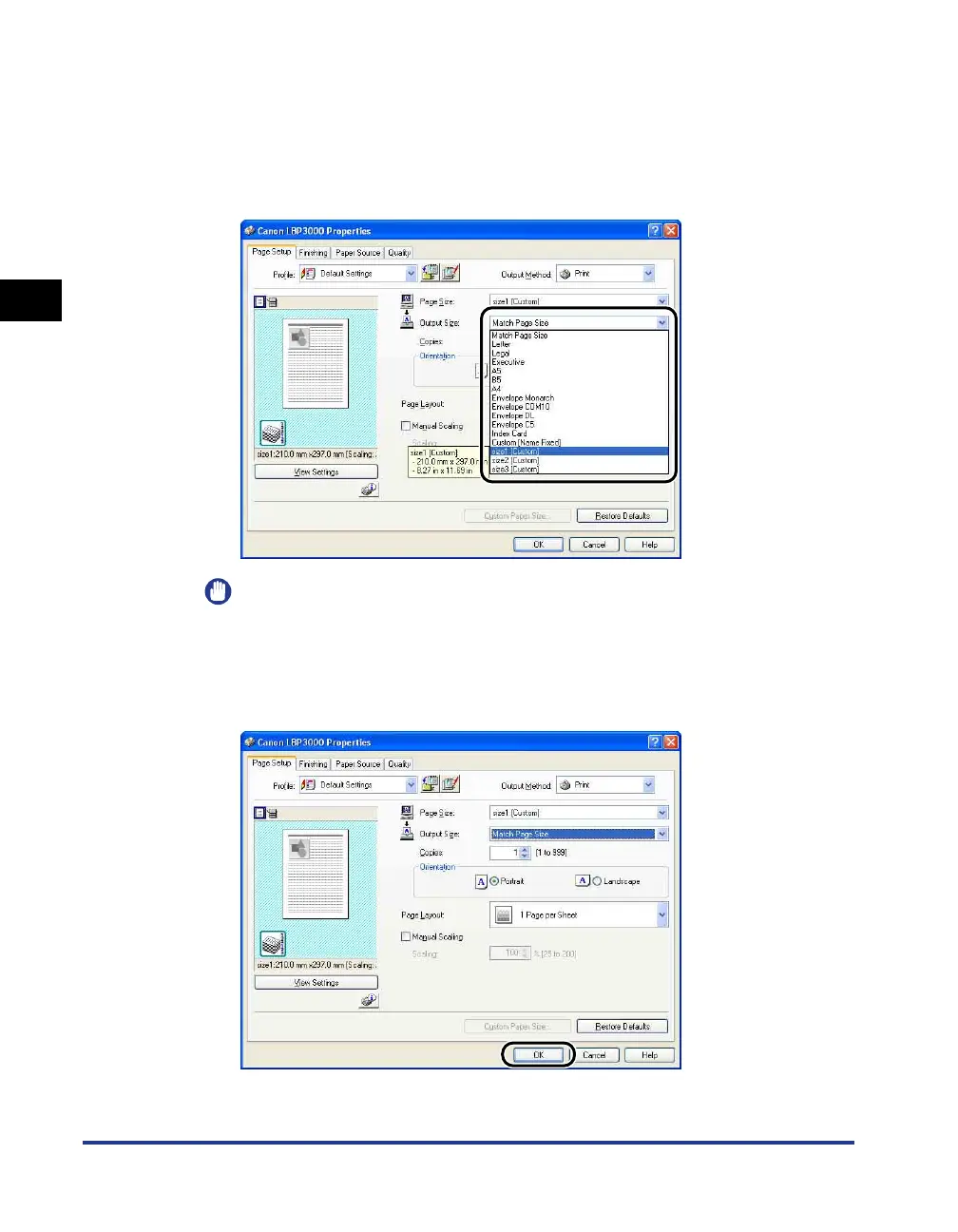
Set the [Output Size] setting to the name (paper size) of the
custom paper loaded in the printer as needed.
Leave the setting set to [Match Page Size] when the page size and the size of
the paper loaded in the multi-purpose tray (the name of the custom paper size)
are the same, since there is no need to change the setting.
IMPORTANT
If the [Page Size] and [Output Size] settings are different, the printer produces an
enlarged or reduced print automatically.
4
Click [OK] to close the Properties dialog box.











 To Next Page