viii
Illustrations Used in This Manual
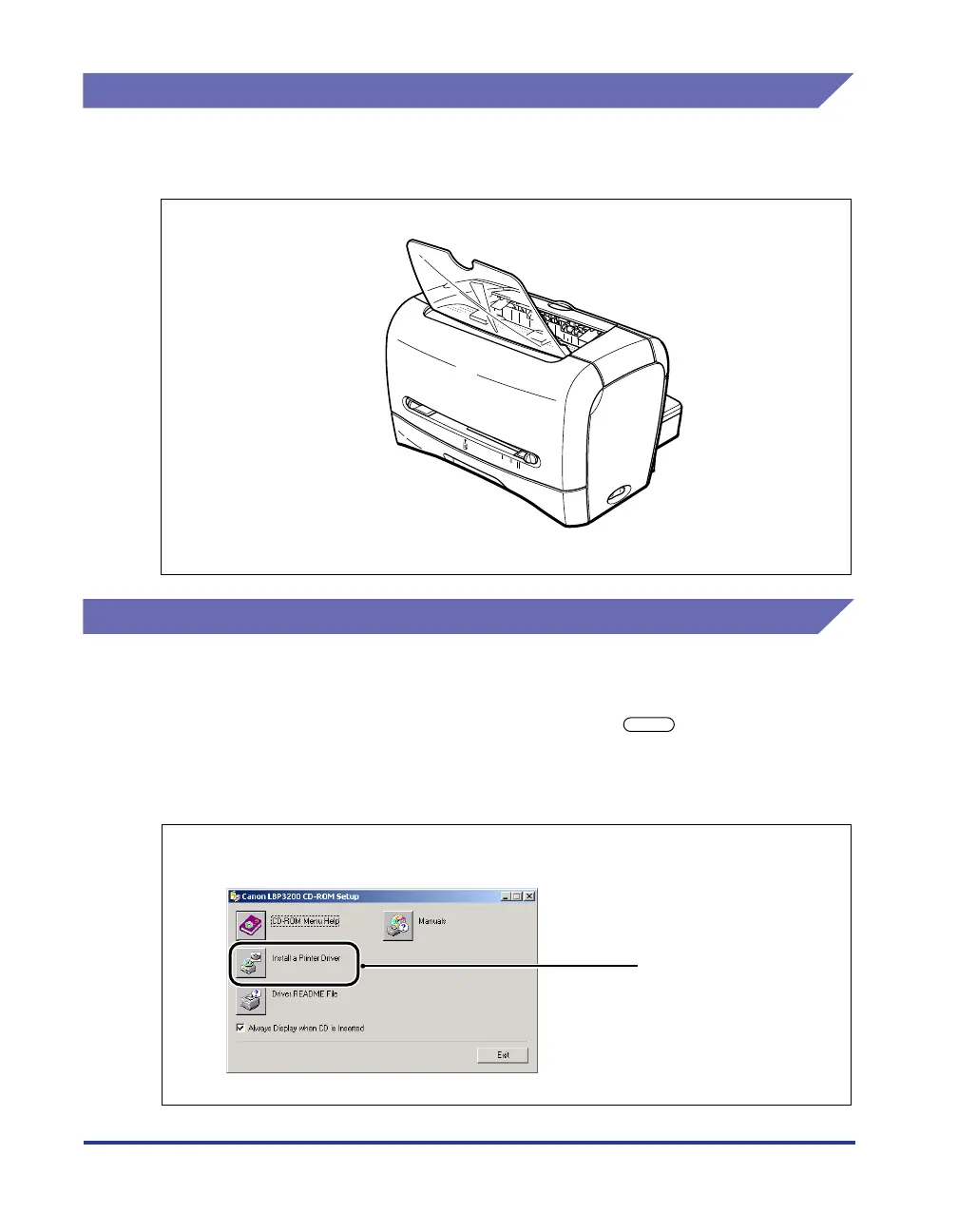
Illustrations used in this manual are for the 220 V model unless otherwise specified.
For the 120 V model, a cover is attached to the face-down delivery area.
Displays Used in This Manual
Screen shots of the computer operation screen used in this manual are those taken
when the LASER SHOT LBP3200 has operated for Windows 2000.
The buttons which you should press are marked with a as shown below.
When multiple buttons can be pressed on the screen shot of computer operation
screen, all buttons are marked. Select the button which suits your needs.
A
5
A4 LTR
LG
L
O
N
B5
EXEC
O
F
F
5
Click [Install a Printer Driver].
Click this button for operation.












 To Next Page