When You Have Trouble Printing
6-2
Troubleshooting
6
When You Have Trouble Printing
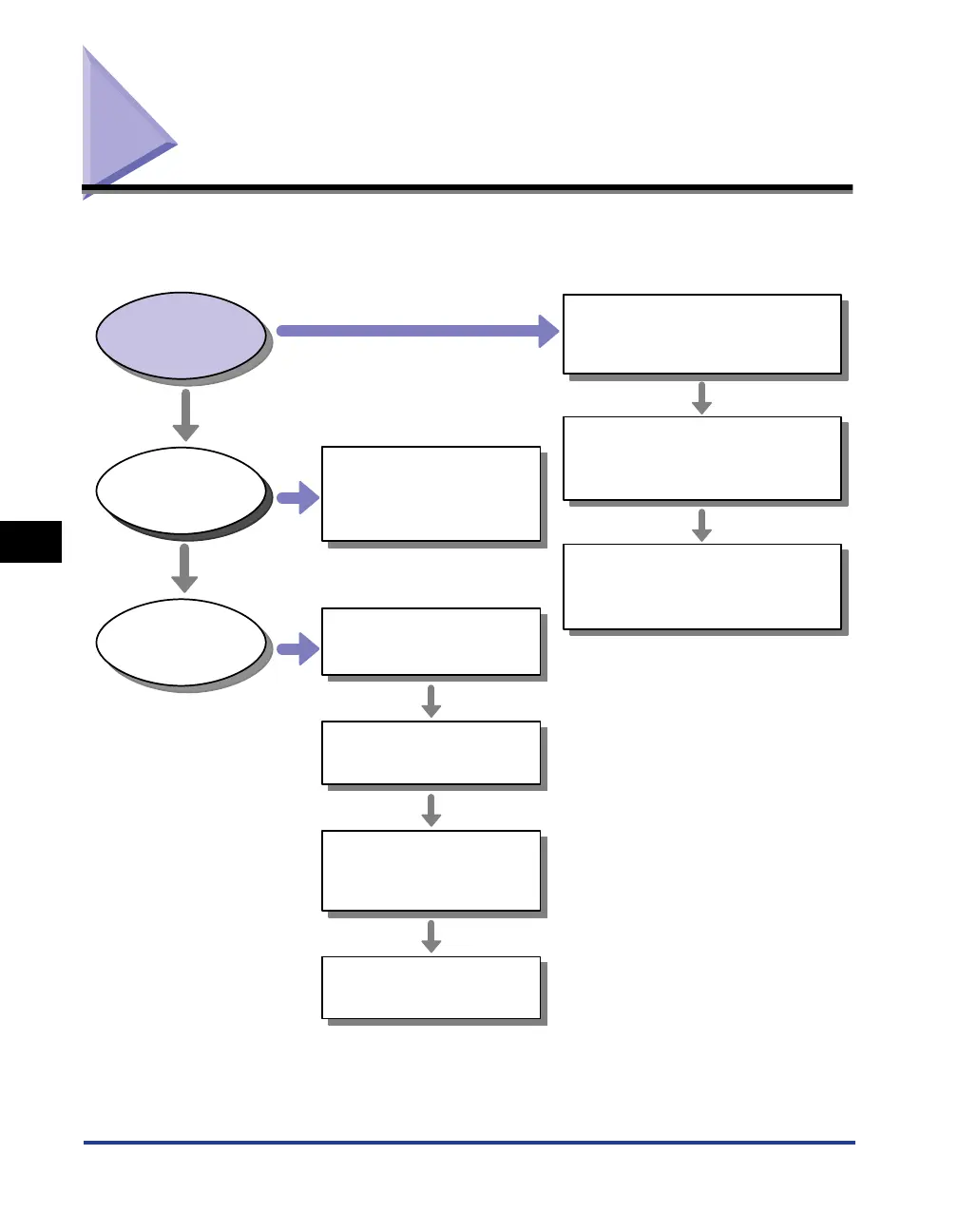
If any problem occurs while you operate the printer, follow the flow chart shown
below to check the problem.
Toner density is set to light.
(See "Specifying the Toner
Density," on P.4-42.)
Toner runs low.
(See "Replacing the Toner
Cartridge," on P.5-2.)
The printer is not connected to your
computer.
(See "Connecting to a Computer," on
P.1-13.)
Follow the messages
displayed on the Printer Status
Window to remedy an error.
(See "Printer Status Window,"
on P.4-46.)
The power cord is unplugged.
The power switch is turned OFF.
(See "Turning the Printer ON/OFF,"
on P.1-11.)
The printer is installed in an
adverse environment.
(See the
Getting Started
Guide
.)
Other Problems
(See "Print Quality Problems,"
on P.6-17.)
The printer driver is not installed
properly.
(See "Installation Problems," on P.6-
22.)
Printing is
impossible.
Print quality
deteriorates.
An error message
appears on the Printer
Status Window.
Yes
NO












 To Next Page