Installation Problems
6-24
Troubleshooting
6
3
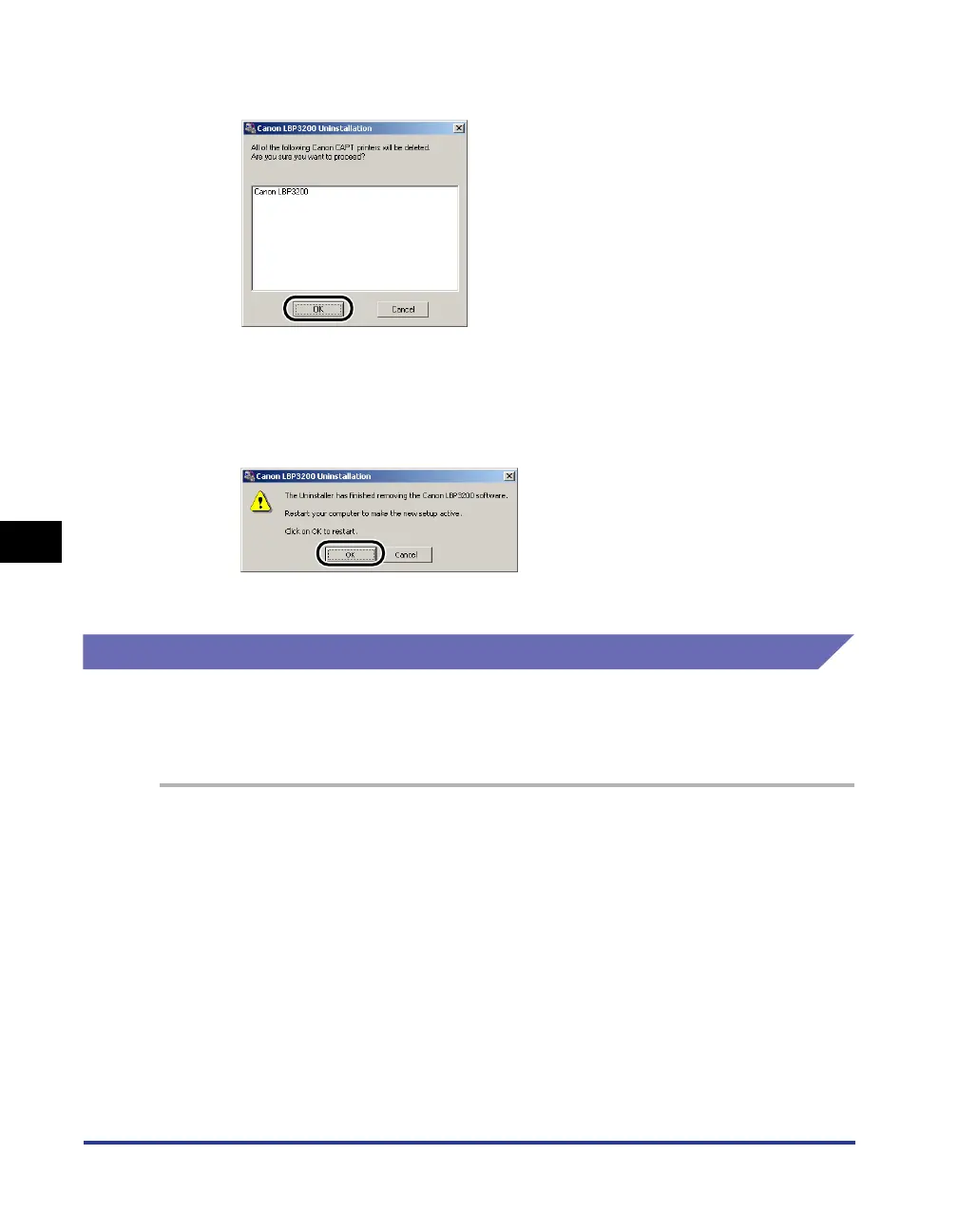
Click [OK].
The uninstallation starts, and the dialog box for asking you for the restart of the
computer appears.
4
Click [OK].
Windows will restart.
Uninstalling the USB Class Driver
Uninstalling the USB class driver is required when you cannot install the CAPT
software properly after uninstalling it once or you cannot uninstall the CAPT
software.
1
Make sure that the computer is connected to the printer with
the USB cable and that the printer is turned ON.
2
Click the [Start] menu ➞ [Settings] ➞ [Control Panel] ➞ [Add/
Remove Programs].
For Windows XP: Click the [Start] menu ➞ [Control Panel] ➞ [Add or Remove
Programs].












 To Next Page