Using the Printer on a Network
3-45
Setting Up the Printing Environment
3
Installation on the Clients
This section describes the download installation as a way of installing the printer
driver into clients.
NOTE
• For the clients, both Windows 98/Me and Windows 2000/XP can be used.
• If the print server is Windows 98/Me, the download installation into Windows 2000/XP
cannot be performed.
Installing from [Add Printer Wizard]
IMPORTANT
If you are using Windows 2000/XP, be sure to log on by a user who has an administrator's
permission when starting up.
NOTE
The screen shots used in this section are from Windows 2000.
1
From the [Start] menu, select [Settings] ➞ [Printers]. The
[Printers] folder will open. Then, double-click the [Add Printer]
icon.
For Windows XP Professional: Click the [Start] menu ➞ [Printers and Faxes] ➞
[Add a printer].
For Windows XP Home Edition: Click the [Start] menu ➞ [Control Panel] ➞
[Printers and Other Hardware] ➞ [Printers and Faxes] ➞ [Add a printer].
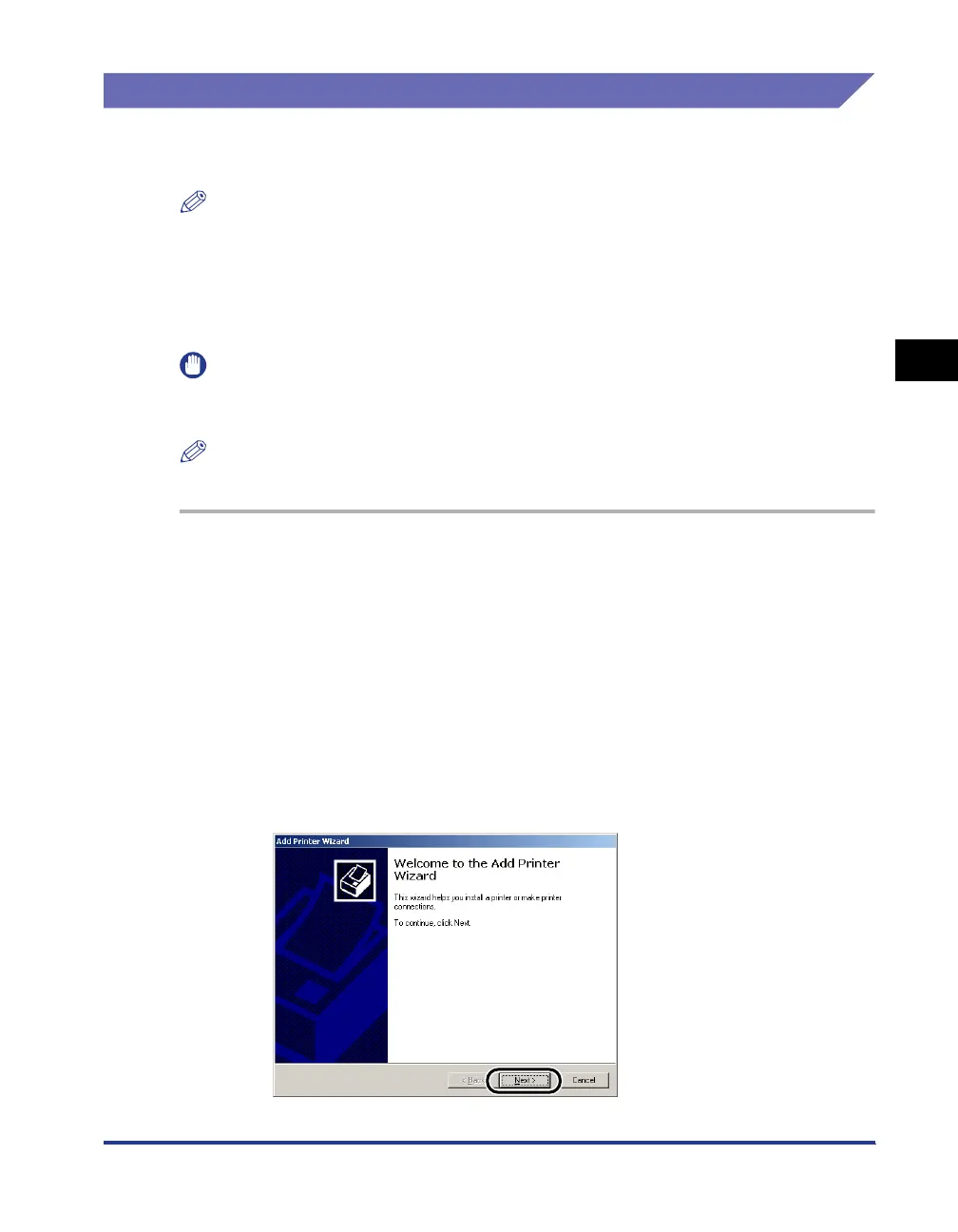
The [Add Printer Wizard] dialog box will appear.
2
Click [Next].












 To Next Page