Service Error Display
6-14
Troubleshooting
6
Service Error Display
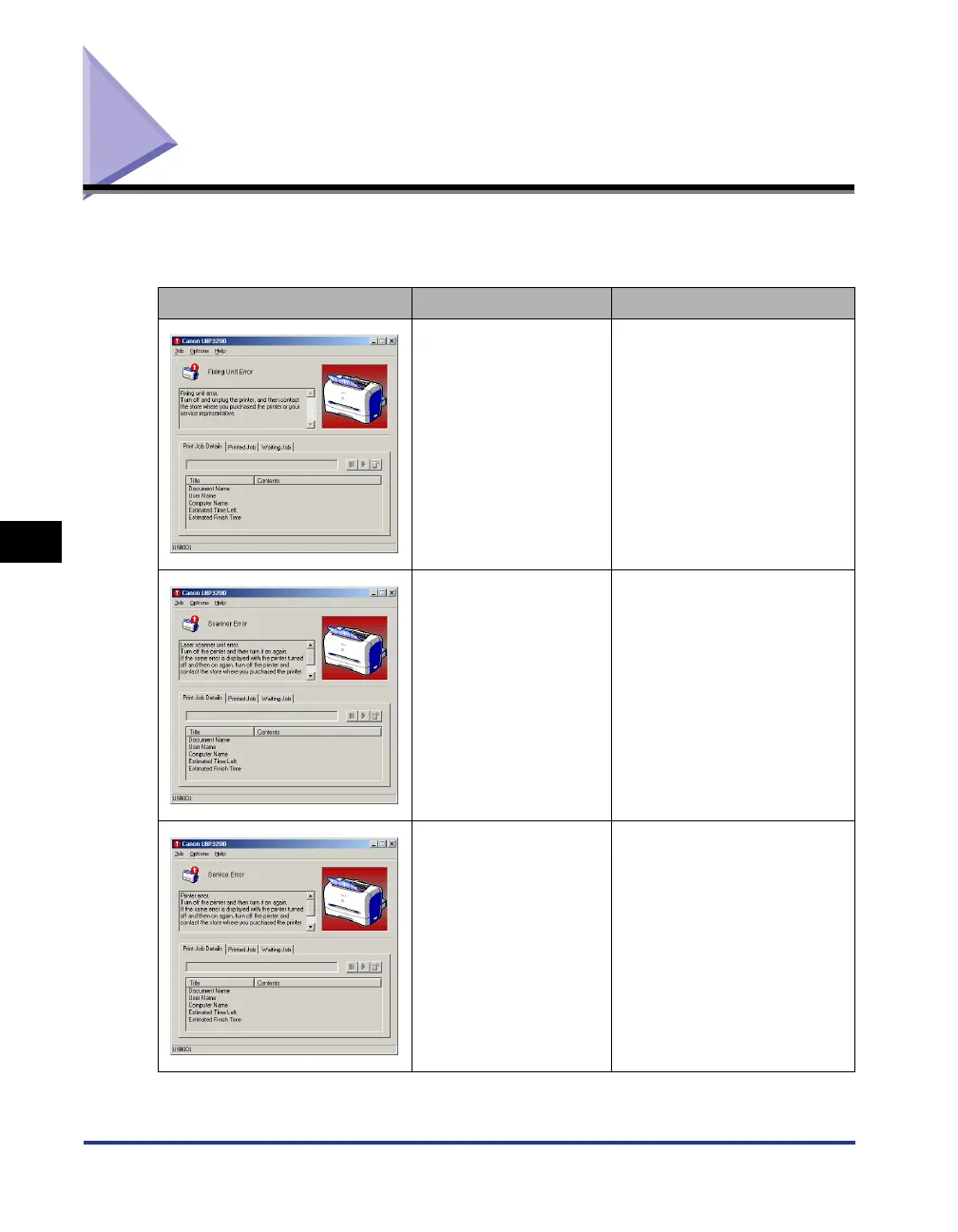
If the printer has a problem and does not work properly, the service error messages
shown below appear on the Printer Status Window.
Service Error Cause Remedy
A problem occurs in the
fixing unit.
Follow the instructions in (see
"When a Fixing Unit Error
Appears," on p. 6-15) to
contact the store where you
purchased this printer or your
service representative.
A problem occurs in the
scanner.
Follow the instructions in (see
"When a Scanner Error or
Service Error Appears," on p.
6-16) to turn OFF the printer,
then turn it ON again.
A problem occurs in the
printer.
Follow the instructions in (see
"When a Scanner Error or
Service Error Appears," on p.
6-16) to turn OFF the printer,
then turn it ON again.












 To Next Page