Using the Printing Functions
4-34
Printing a Document
4
Scaling a Document Automatically
1
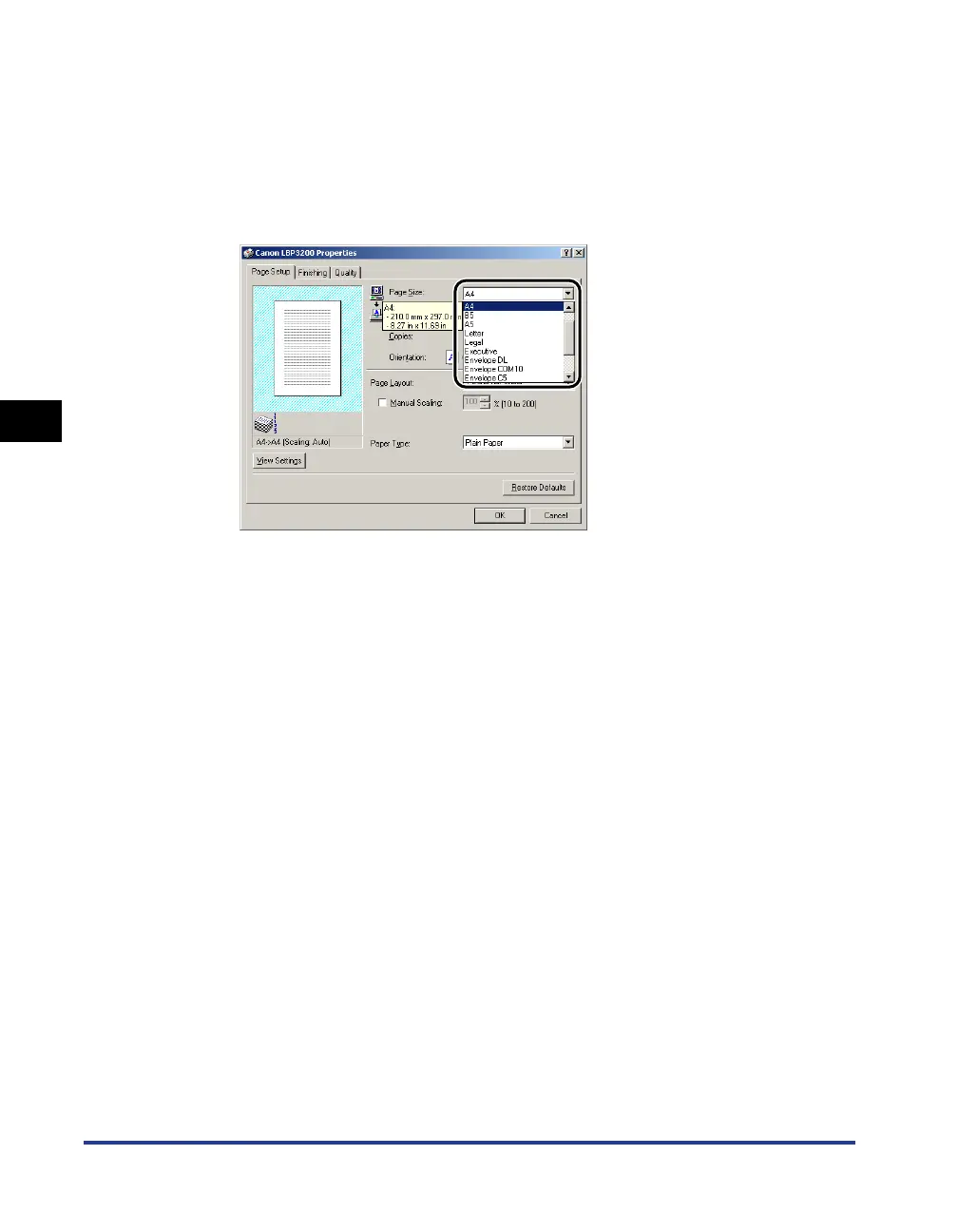
Display the [Page Setup] sheet.
2
Specify the document size in [Page Size].
3
Specify the paper size in [Output Size].
4
Confirm the settings, then click [OK].
The scale factor will be set automatically depending on the sizes specified in
[Page Size] and [Output Size].












 To Next Page