Specifying the Printing Preferences
4-10
Printing a Document
4
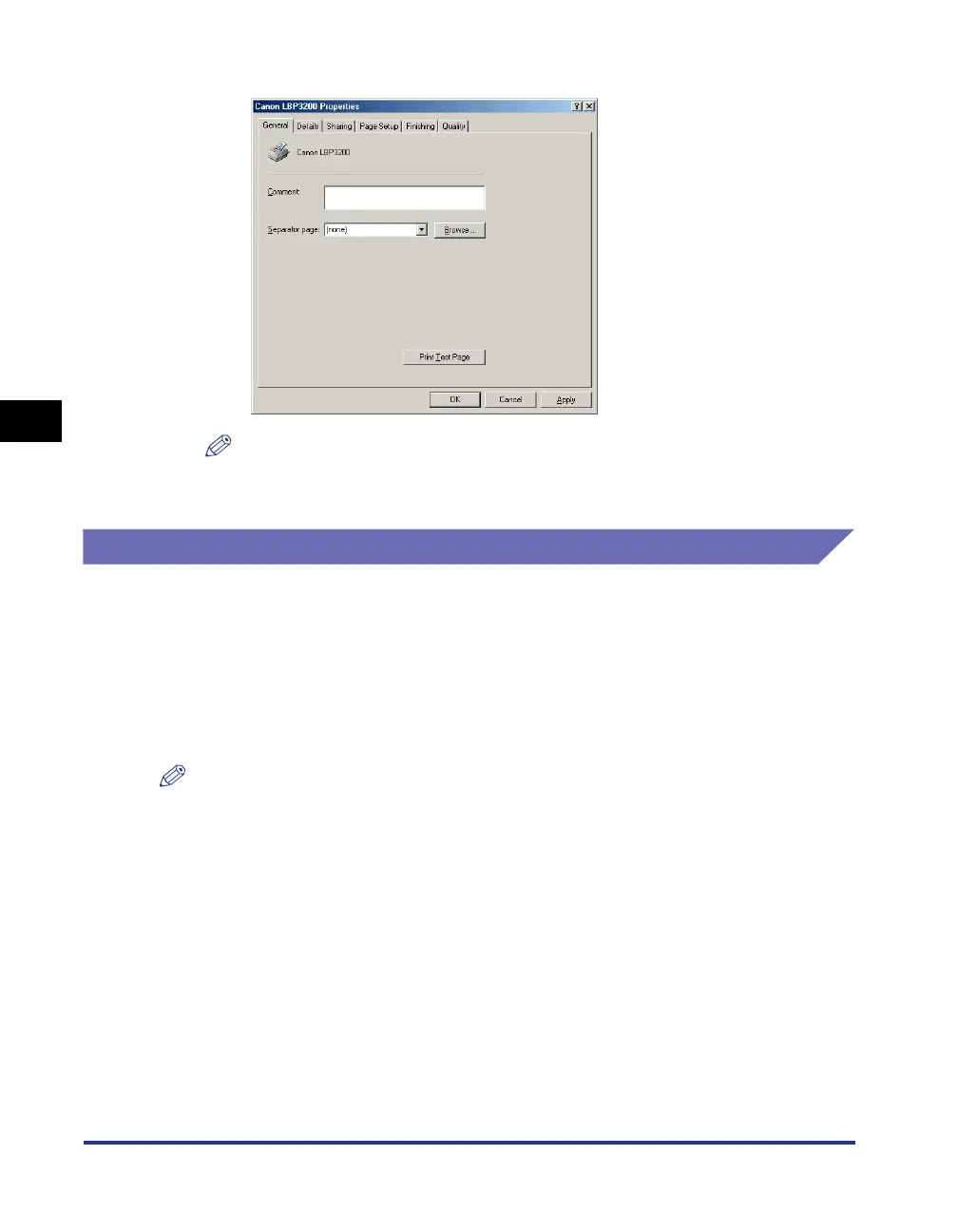
The [Printer Properties] dialog box will appear.
NOTE
The [Printer Properties] dialog box can also be opened by right-clicking the [Canon
LBP3200] icon and selecting [Properties] from the pop-up menu.
For Windows 2000/XP
If you display the [Document Properties] dialog box from your application, you can
specify the settings for a particular print job.
If you display the [Document Properties] dialog box from the [Printers] folder, you
can specify the initial settings for all print jobs.
If you display the [Printer Properties] dialog box from the [Printers] folder, you can
select the custom paper, etc.
NOTE
Full Control Permission is required to specify the settings for the [Printers] folder. If you
cannot display the [Document Properties] dialog box from the [Printers] folder, display the
dialog box from the application.












 To Next Page