Installing the CAPT Software
3-8
Setting Up the Printing Environment
3
Installing with Plug and Play
IMPORTANT
Before installing the CAPT software with Plug and Play, make sure that the printer is
properly connected to your computer and that the printer is turned ON.
1
Turn ON the computer and start up Windows 98/Me.
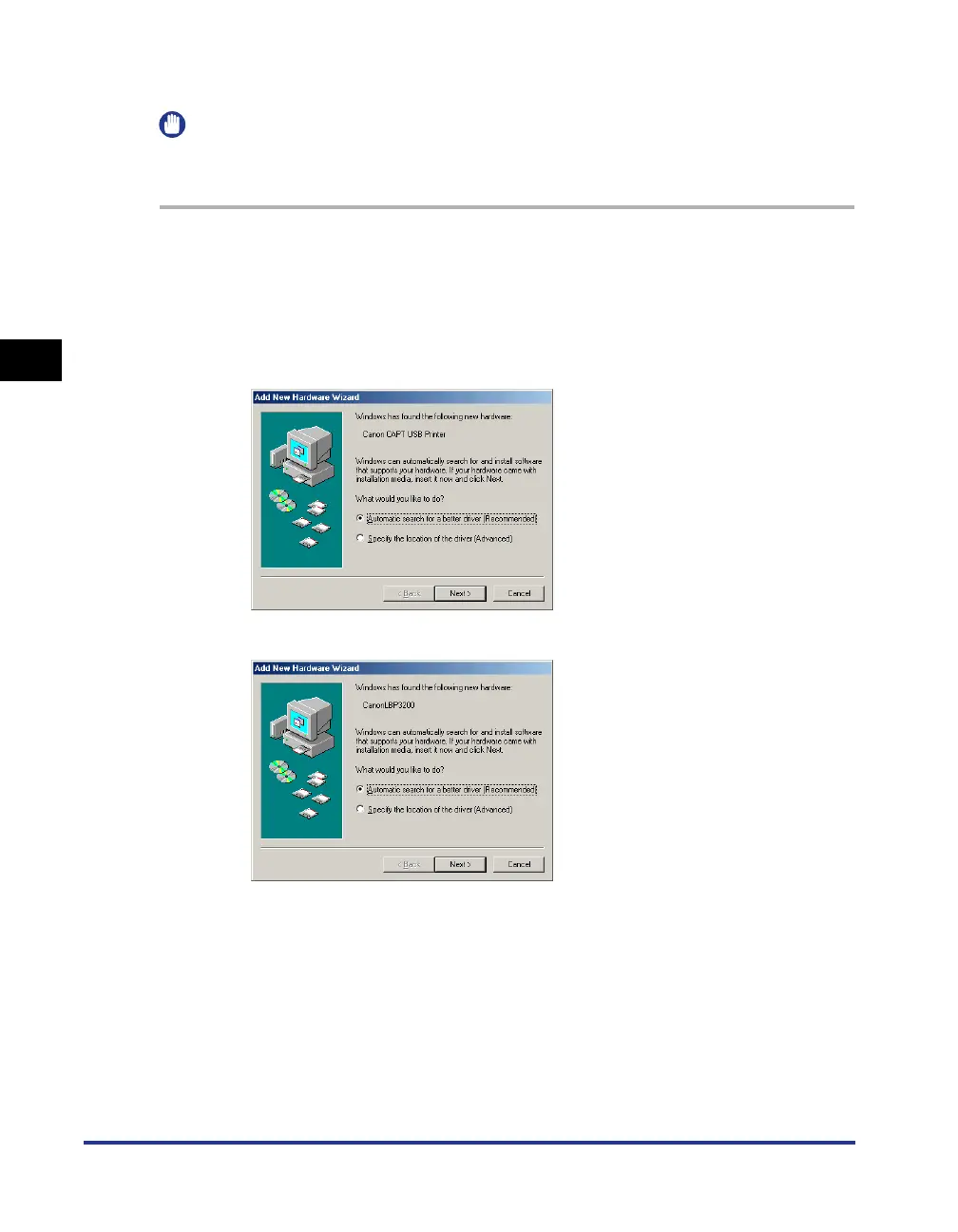
The [Add New Hardware Wizard] dialog box will appear.
● For Windows Me
If the following dialog box appears, proceed to Step 2.
If the following dialog box appears, proceed to Step 9.












 To Next Page