Installing the CAPT Software
3-9
Setting Up the Printing Environment
3
● For Windows 98
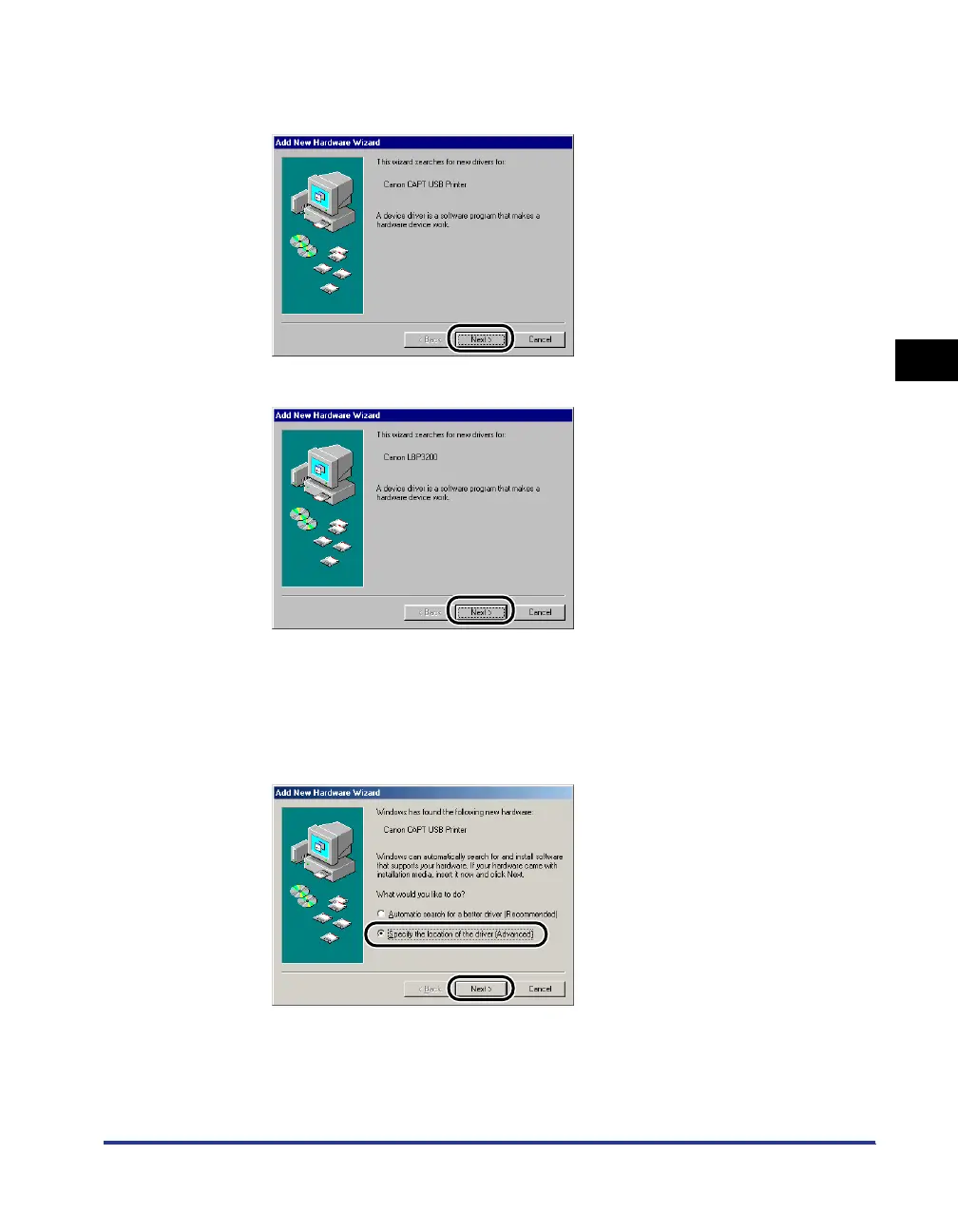
If the following dialog box appears, click [Next], then proceed to Step 2.
If the following dialog box appears, click [Next], then proceed to Step 9.
2
Select [Specify the location of the driver (Advanced)], then
click [Next].
If you are using Windows 98, select [Search for the best driver for your device.
(Recommended).].
The dialog box for specifying the search location will appear.












 To Next Page