Installing the CAPT Software
3-10
Setting Up the Printing Environment
3
3
Put the supplied "User Software for LBP3200" CD-ROM into
the CD-ROM drive.
4
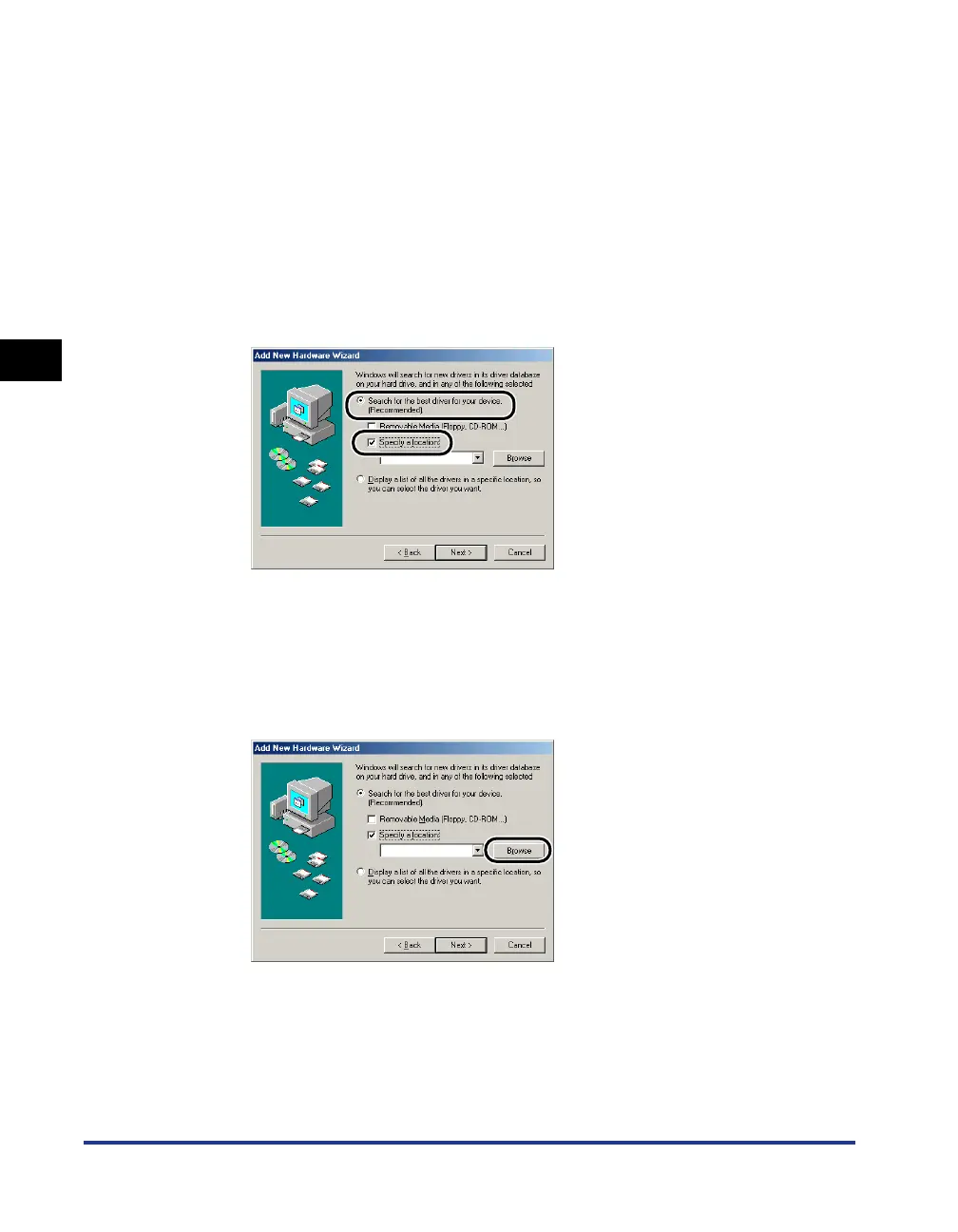
Select [Search for the best driver for your device.
(Recommended).], remove a checkmark from [Removable
Media (Floppy, CD-ROM…)] and place a checkmark for
[Specify a location].
If you are using Windows 98, remove a checkmark from [Floppy disk drives] and
[CD-ROM drive], and place a checkmark for [Specify a location].
5
Click [Browse], then select a folder.
If your CD-ROM drive is drive [D:], select [D:\English\WinMe], and then click
[OK].
If you are using Windows 98, and your CD-ROM drive is drive [D:], select
[D:\English\Win98], then click [OK].












 To Next Page