Printing on Custom Paper
2-43
Loading and Delivering Paper
2
Setting Printer Driver and Printing
Follow the procedure below to set the printer driver.
1
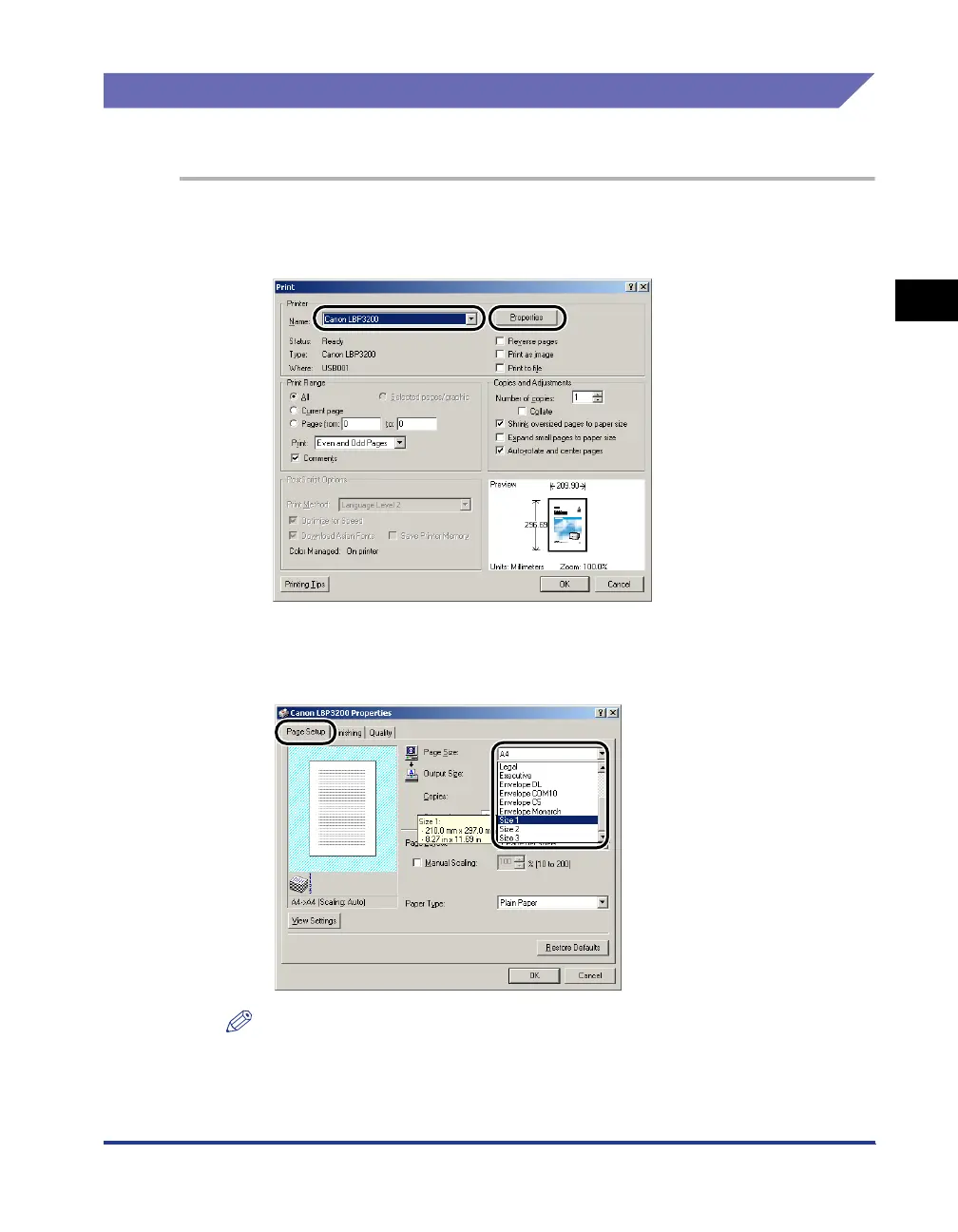
Select [Print] in the application. Select this printer for [Name]
and click [Properties].
2
Display the [Page Setup] sheet, then from [Page Size], select
the size of a document that you created in the application.
NOTE
In order to use the custom paper, you have to register the custom paper size in
advance. For instructions on registering the custom paper size, see "Specifying a
Custom Paper Size," on p. 4-36.












 To Next Page