Printing on Custom Paper
2-42
Loading and Delivering Paper
2
CAUTION
When setting paper, be careful not to cut your hands with the edges of the
paper.
IMPORTANT
•
Set the paper straight.
•
If the paper is curled or folded at corners, flatten it before loading.
NOTE
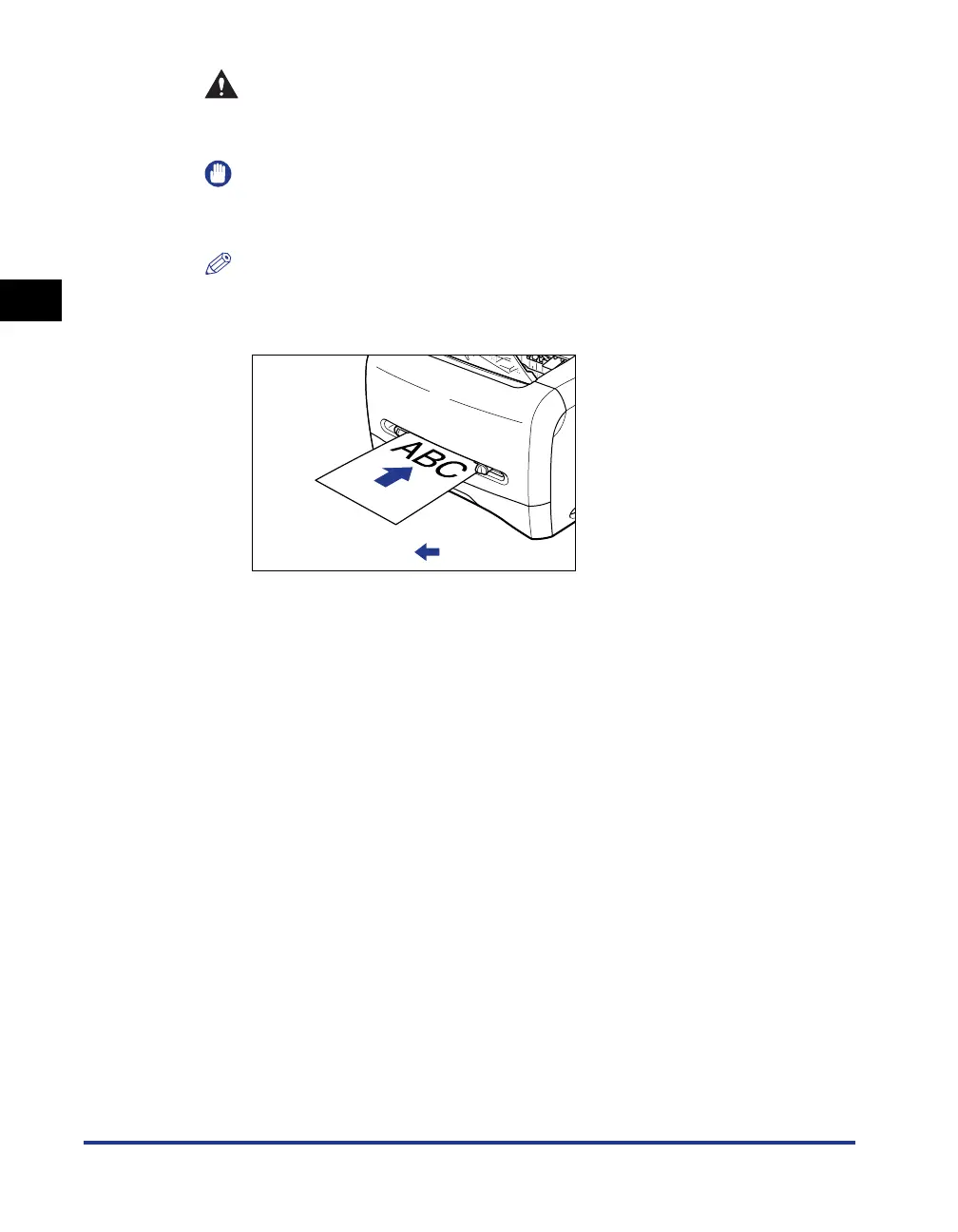
To print on letterhead paper or paper printed with a logo, set the paper so that the
printing surface faces up and the top edge comes toward the back of the manual
feed slot.
:Feeding direction












 To Next Page