Handling the Printer
5-23
Routine Maintenance
5
•
If you want to attach a cover to the printer, turn OFF the power switch and allow the
printer to cool down sufficiently before attaching a cover.
•
If you do not plan to use the printer for a long period of time, unplug the power cord from
the AC power outlet.
•
Do not use or store the printer in a room where chemicals are used.
•
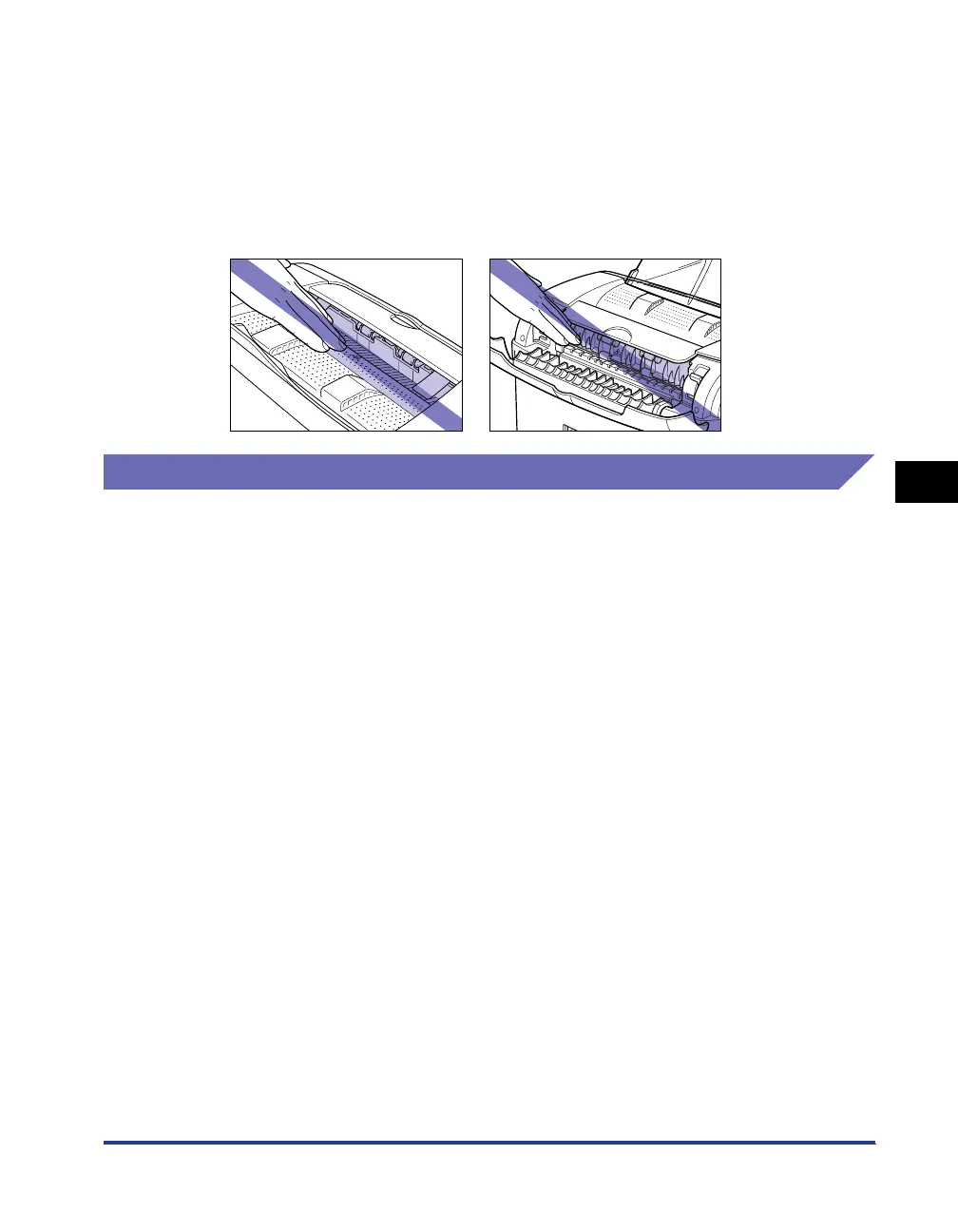
The face-down delivery area and face-up delivery slot become extremely hot while
printing or immediately after printing. When removing paper or paper jam, be careful not
to touch the face-down delivery area, face-up delivery slot, and their surroundings.
Precaution for Storing the Printer
If you do not plan to use the printer for a long period of time, store it in the following
environment.
• Storing temperature range: 0 to 35 °C (32 to 95 °F)
• Storing humidity range: 35 to 85 % RH with no condensation












 To Next Page