Installing the CAPT Software
3-4
Setting Up the Printing Environment
3
Installing the CAPT Software
This section describes the procedure for installing the CAPT software when
connecting this printer to your computer directly.
IMPORTANT
•
The CAPT software is required for printing with this printer. Be sure to install the CAPT
software.
•
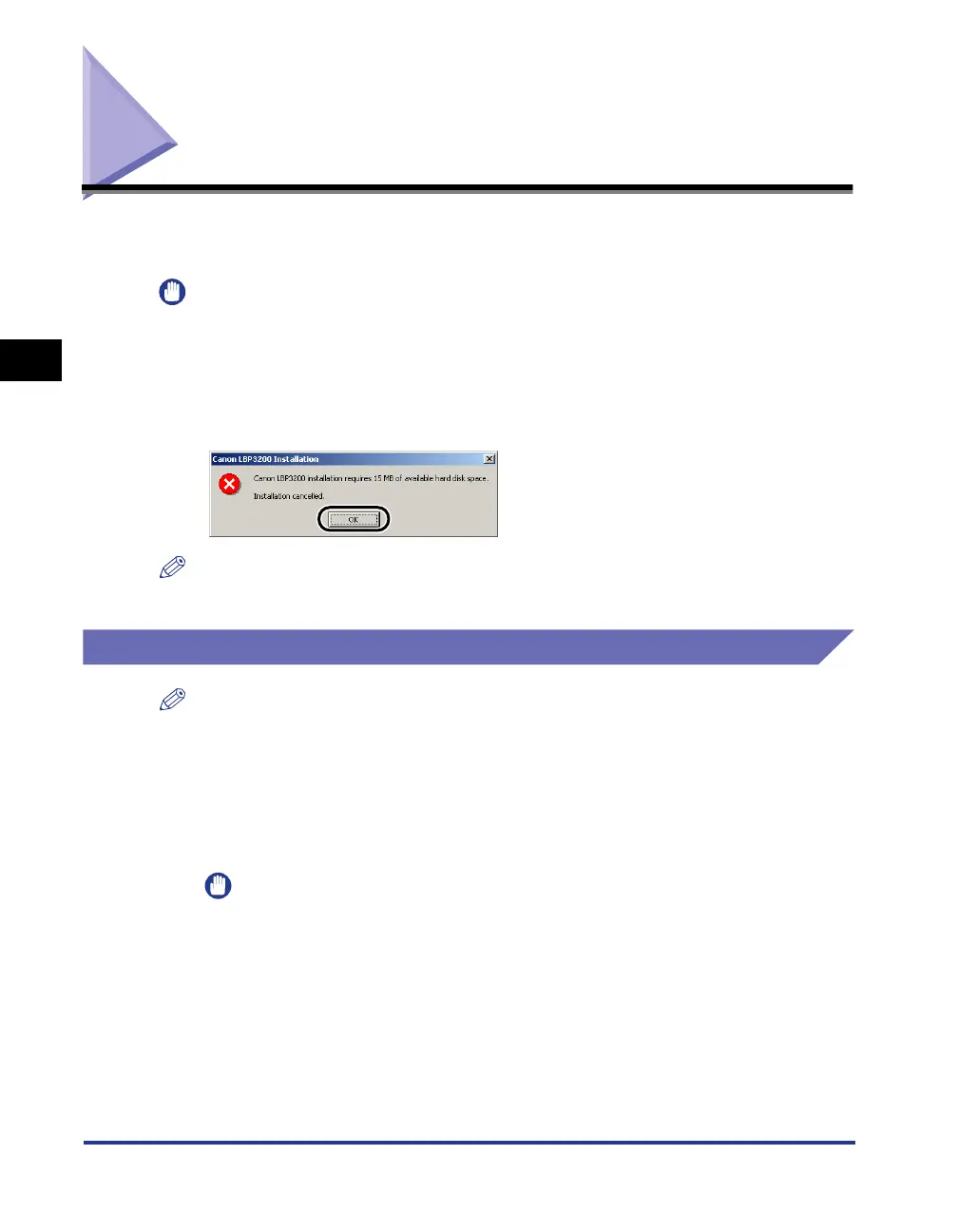
When there is not enough free hard disk space, the dialog box shown below appears
during installation.
In this case, click [OK] to stop the installation and increase the free space, then install the
CAPT software again.
NOTE
When using this printer in a network, see "Using the Printer on a Network," on p. 3-35.
For Windows 98/Me
NOTE
The screen shots used in this section are from Windows Me.
Installing from the CD-ROM
1
Make sure that the power switch is turned OFF.
IMPORTANT
Do not turn ON the printer until Step 10 during installation procedure.












 To Next Page