Installing the CAPT Software
3-5
Setting Up the Printing Environment
3
2
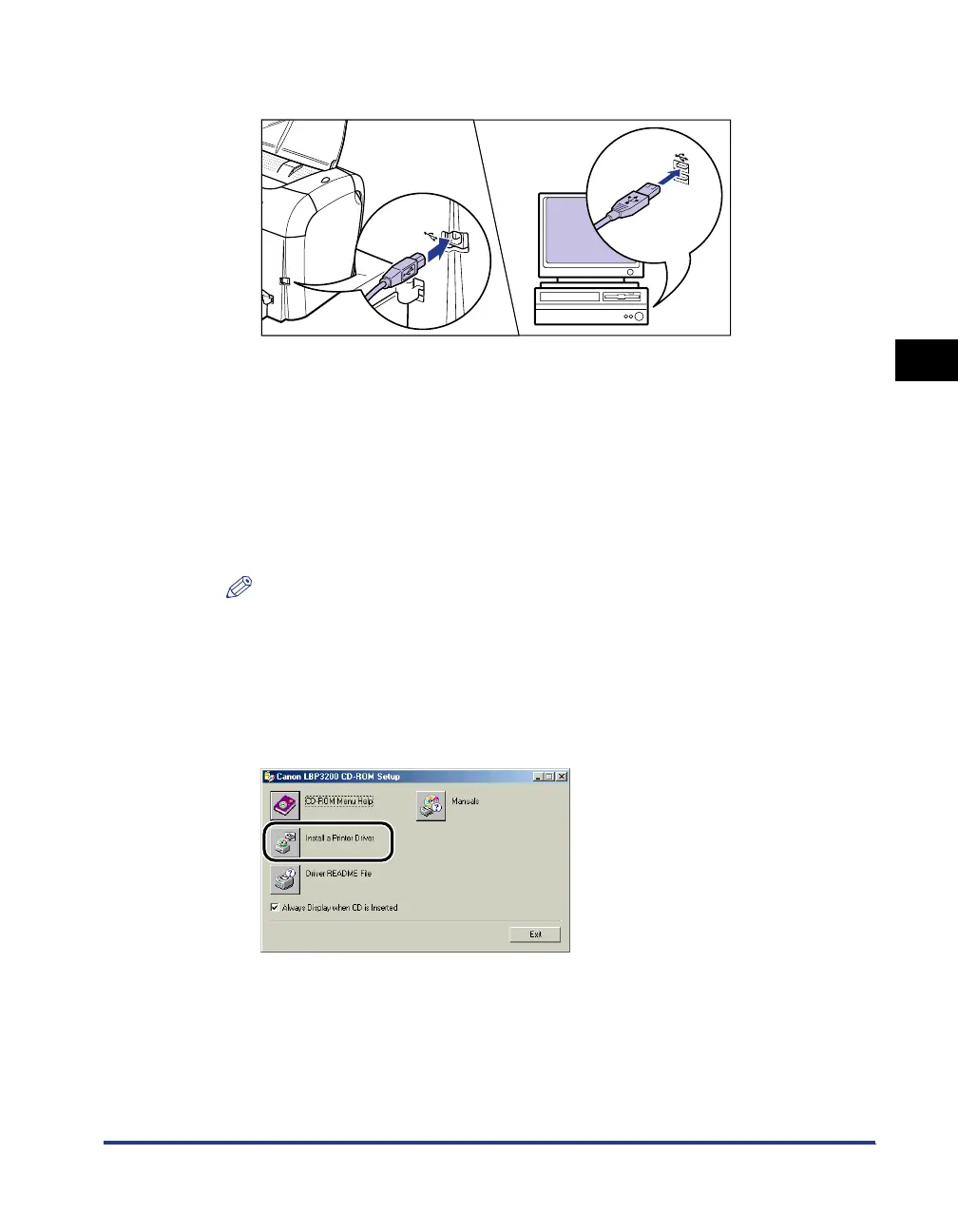
Connect the printer to the computer with the USB cable.
3
Turn ON the computer and start up Windows 98/Me.
4
Put the supplied "User Software for LBP3200" CD-ROM into
the CD-ROM drive.
If the CD-ROM is already set in the drive, take it out and put it into again.
The CD-ROM menu will appear automatically.
NOTE
If the CD-ROM menu does not appear automatically, select [Run] under the [Start]
menu, enter "D:\English\CAP4MNU.exe", and click [OK]. (The CD-ROM drive
name is indicated as "D:" in this manual. The CD-ROM drive name may differ
depending on the computer being used.)
5
Click [Install a Printer Driver].
The dialog box for confirming the language will appear.












 To Next Page