Service Error Display
6-15
Troubleshooting
6
When a Fixing Unit Error Appears
If a fixing unit error appears, follow the instructions below to contact the store where
you purchased this printer or your service representative.
1
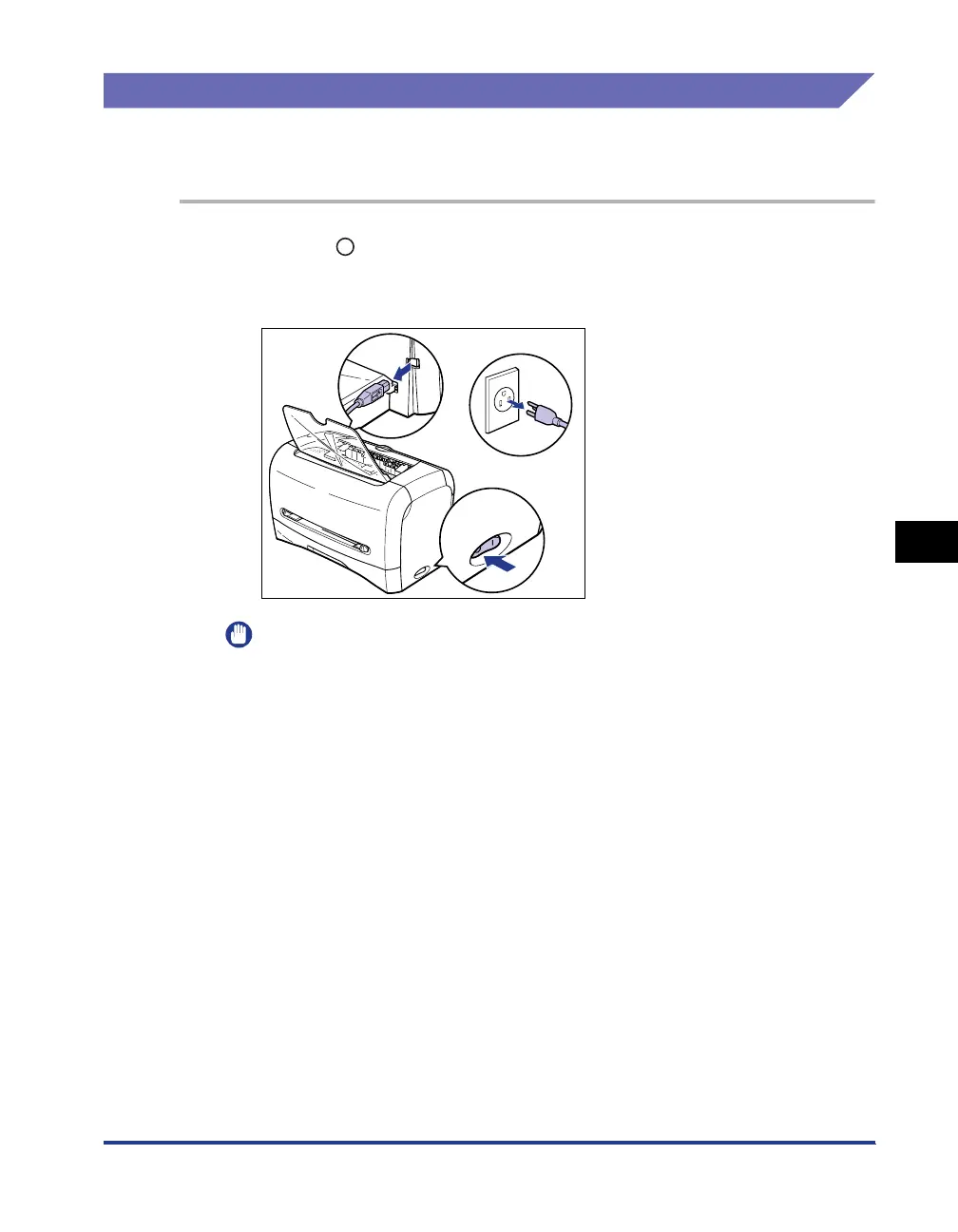
Press " " of the power switch to turn OFF the printer aa
aa
,
disconnect the USB cable
bb
bb
, then unplug the power plug from
the AC power outlet
cc
cc
.
IMPORTANT
After a fixing unit error appears and you turn OFF the printer, never turn ON the
printer again.
2
Contact the store where you purchased this printer or your
service representative.
When you contact, inform them of symptoms.
b
a
c












 To Next Page