Replacing the Toner Cartridge
5-7
Routine Maintenance
5
IMPORTANT
•
Use only the toner cartridge exclusive to this printer.
•
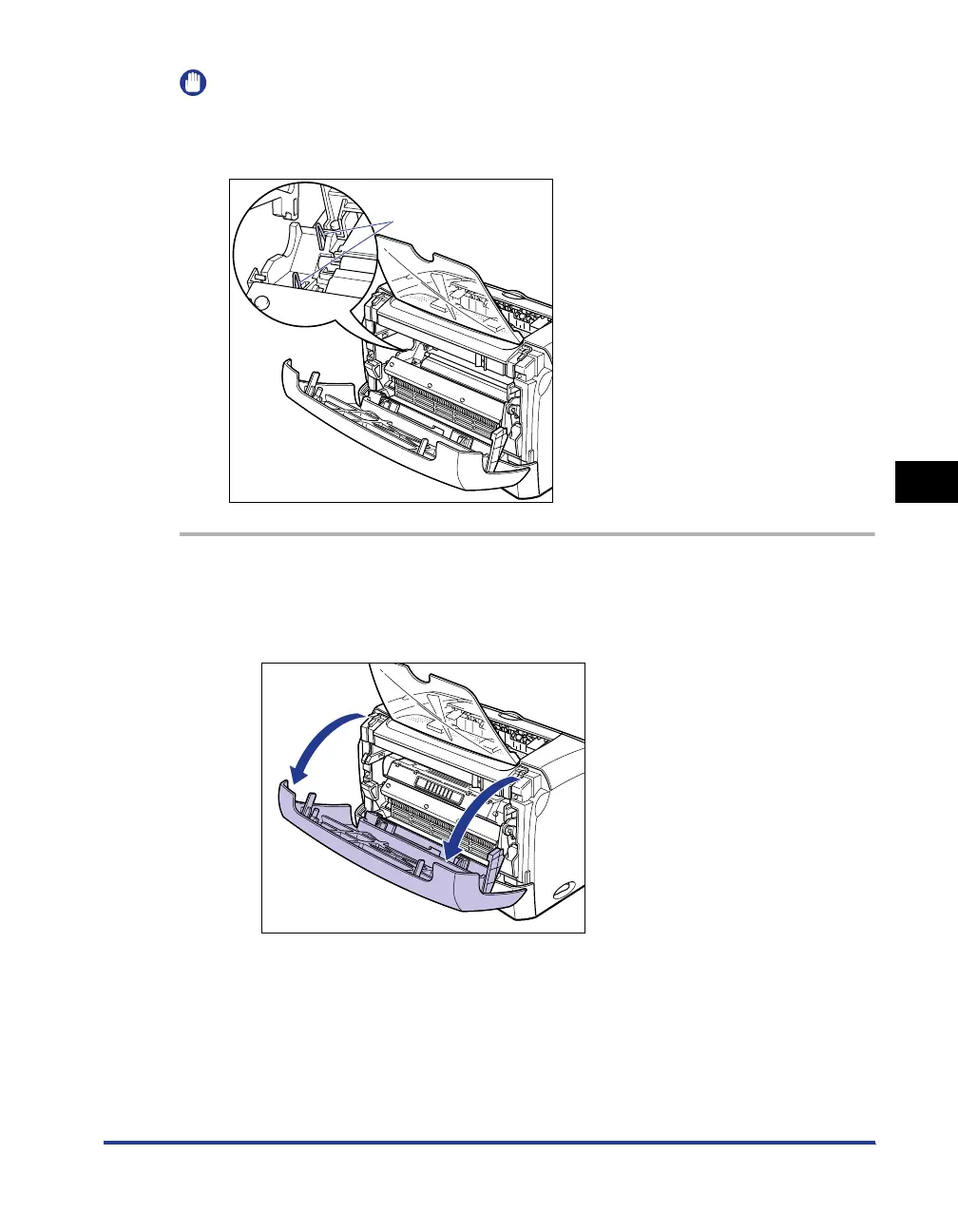
Do not touch the high-voltage contacts in the front cover, as this may result in damage to
the printer.
1
Open the front cover.
When opening the front cover, put your hands into the opening on both sides of
the printer, then slowly and strongly pull it out.
High-voltage contacts












 To Next Page