Replacing the Toner Cartridge
5-8
Routine Maintenance
5
2
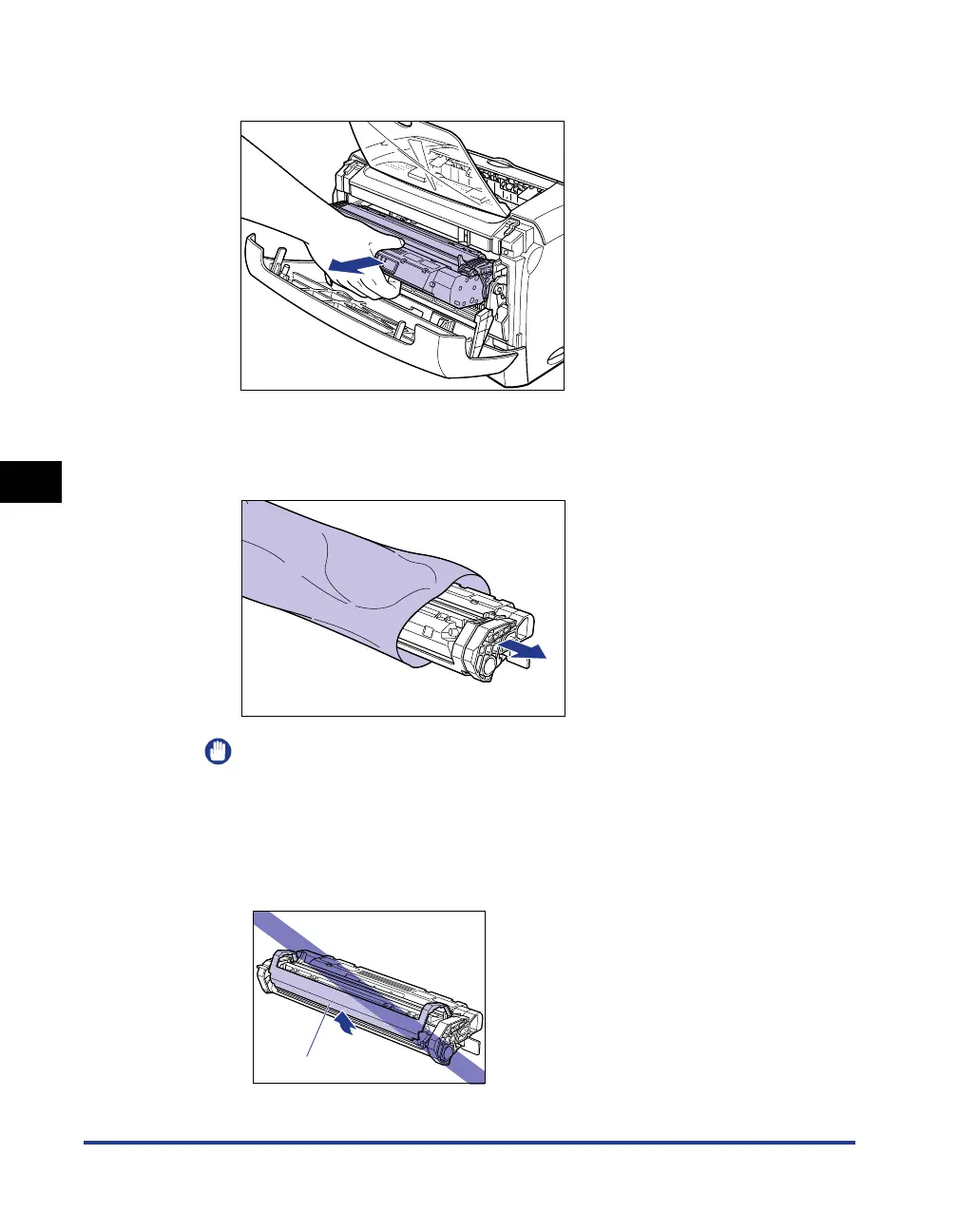
Take the toner cartridge out of the printer.
3
Take a new toner cartridge out of the protective bag.
Use scissors to open the protective bag so as not to damage the toner cartridge.
IMPORTANT
•
Keep the protective bag for the toner cartridge. It may be required when taking out
the toner cartridge for printer maintenance.
•
Print quality may deteriorate if you touch or damage the drum inside the toner
cartridge. Be careful not to touch the drum or open the drum protective shutter. Be
careful not to hold or touch the portions that are not described in this procedure.
This may result in damage to the printer.
Drum protective shutter












 To Next Page