Using the Printer on a Network
3-47
Setting Up the Printing Environment
3
6
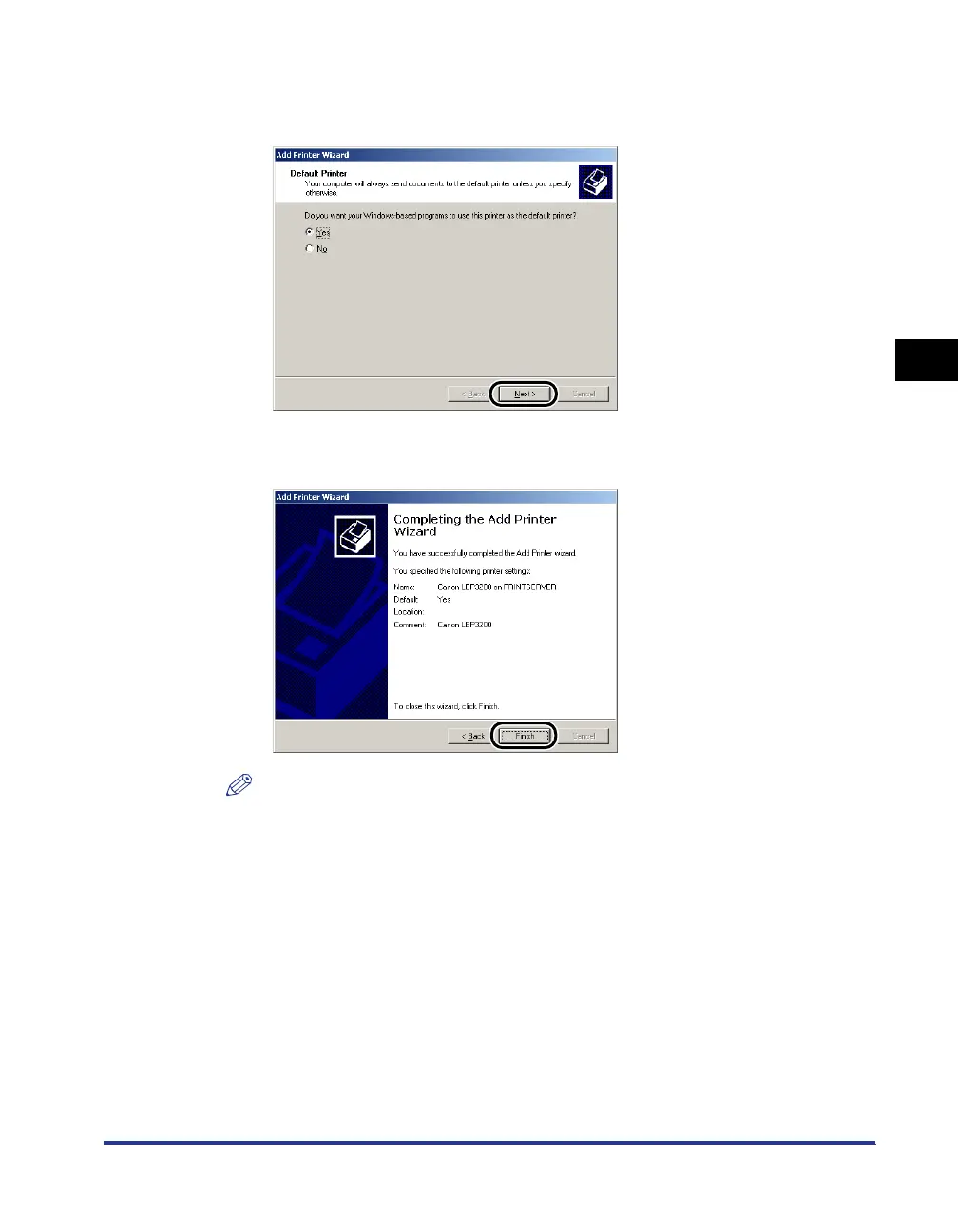
Select whether or not to use this printer as the default printer,
then click [Next].
7
Click [Finish].
NOTE
Click [Yes] if the [Digital Signature Not Found] dialog box is displayed.
Installing from [Windows Explorer]
1
For Windows Me/2000/XP: Click the [Start] menu ➞
[Programs] ([All Programs] for Windows XP) ➞ [Accessories]
➞ [Windows Explorer].
For Windows 98: Click the [Start] menu ➞ [Programs] ➞ [Windows Explorer].
The [Windows Explorer] dialog box will appear.












 To Next Page