Using the Printer on a Network
3-46
Setting Up the Printing Environment
3
3
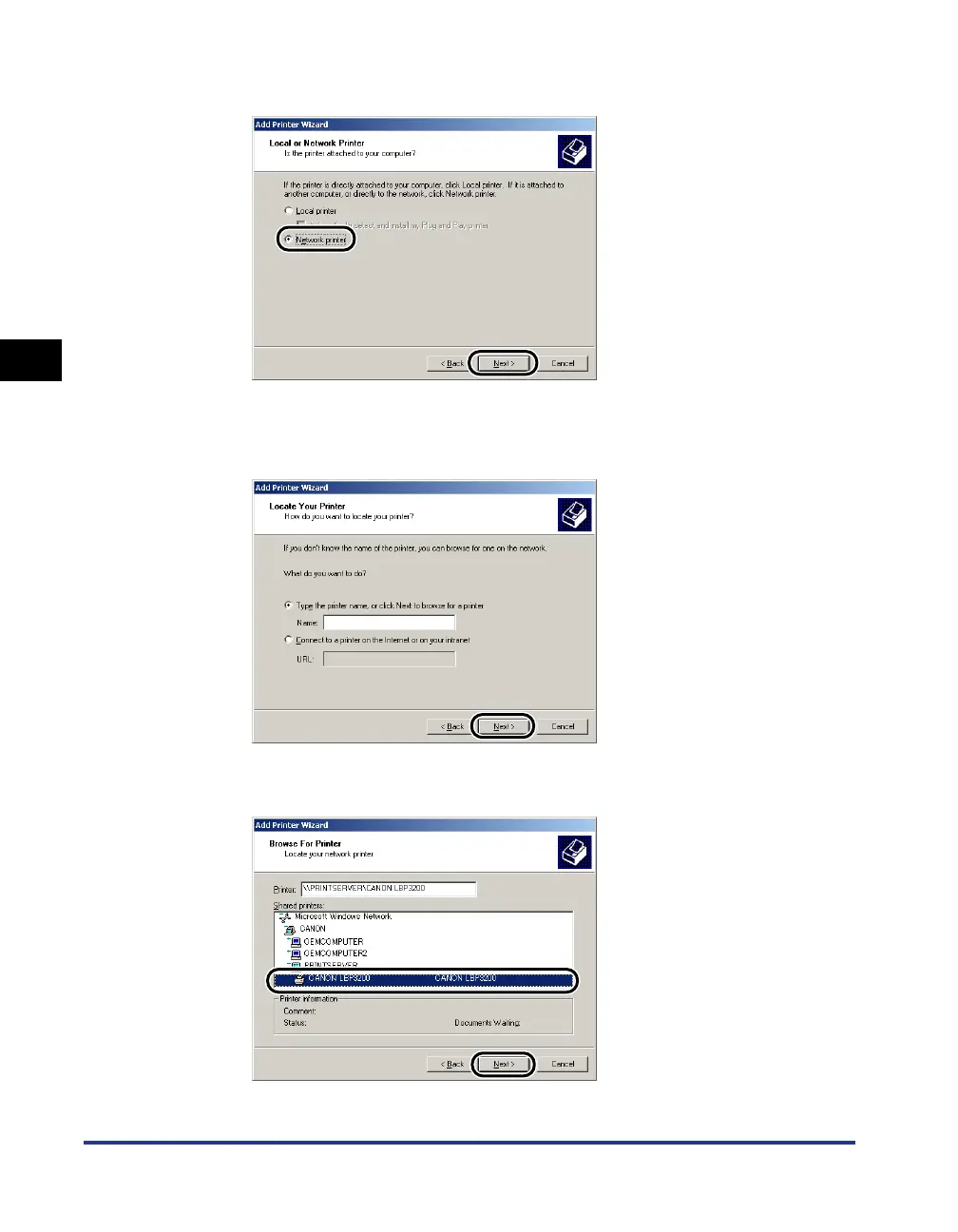
Select [Network printer] and click [Next].
4
For Windows 2000/XP, click [Next].
For Windows 98/Me, click [Browse].
5
Select the directory of the print server, then click [Next].
For Windows 98/Me, proceed to Step 7.












 To Next Page