Specifying the Printing Preferences
4-7
Printing a Document
4
Specifying the Printing Preferences
The CAPT software for LBP3200 allows you to specify various printing preferences.
To specify the printing preferences, first display the [Printer Properties] dialog box
or the [Document Properties] dialog box. Follow the procedure below suitable for
your operating system to display the properties dialog boxes.
For Windows 98/Me
If you display the [Document Properties] dialog box from your application, you can
specify the settings for a particular print job.
If you display the [Printer Properties] dialog box from the [Printers] folder, you can
specify the initial settings for all print jobs.
Displaying the [Document Properties] Dialog Box from the
Application
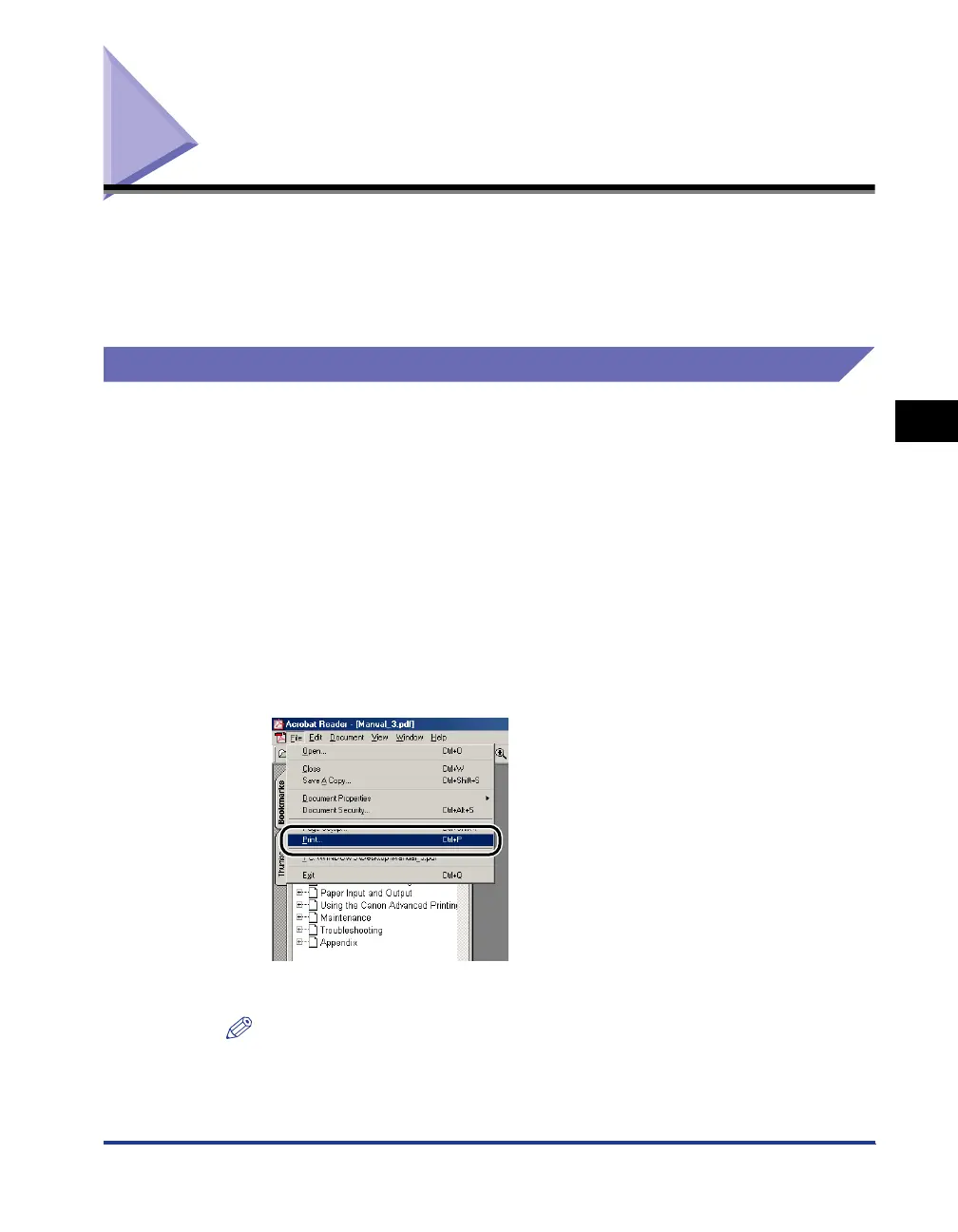
This section describes the procedure, taking Acrobat Reader included in the
accompanying CD-ROM as an example.
1
Select [Print] from the [File] menu in the application.
The [Print] dialog box will appear.
NOTE
Printing procedures differ depending on your application. For details on print jobs,
see the instruction manual supplied with your application.












 To Next Page