Printing on Plain Paper / Heavy Paper / Label / Transparency
2-23
Loading and Delivering Paper
2
NOTE
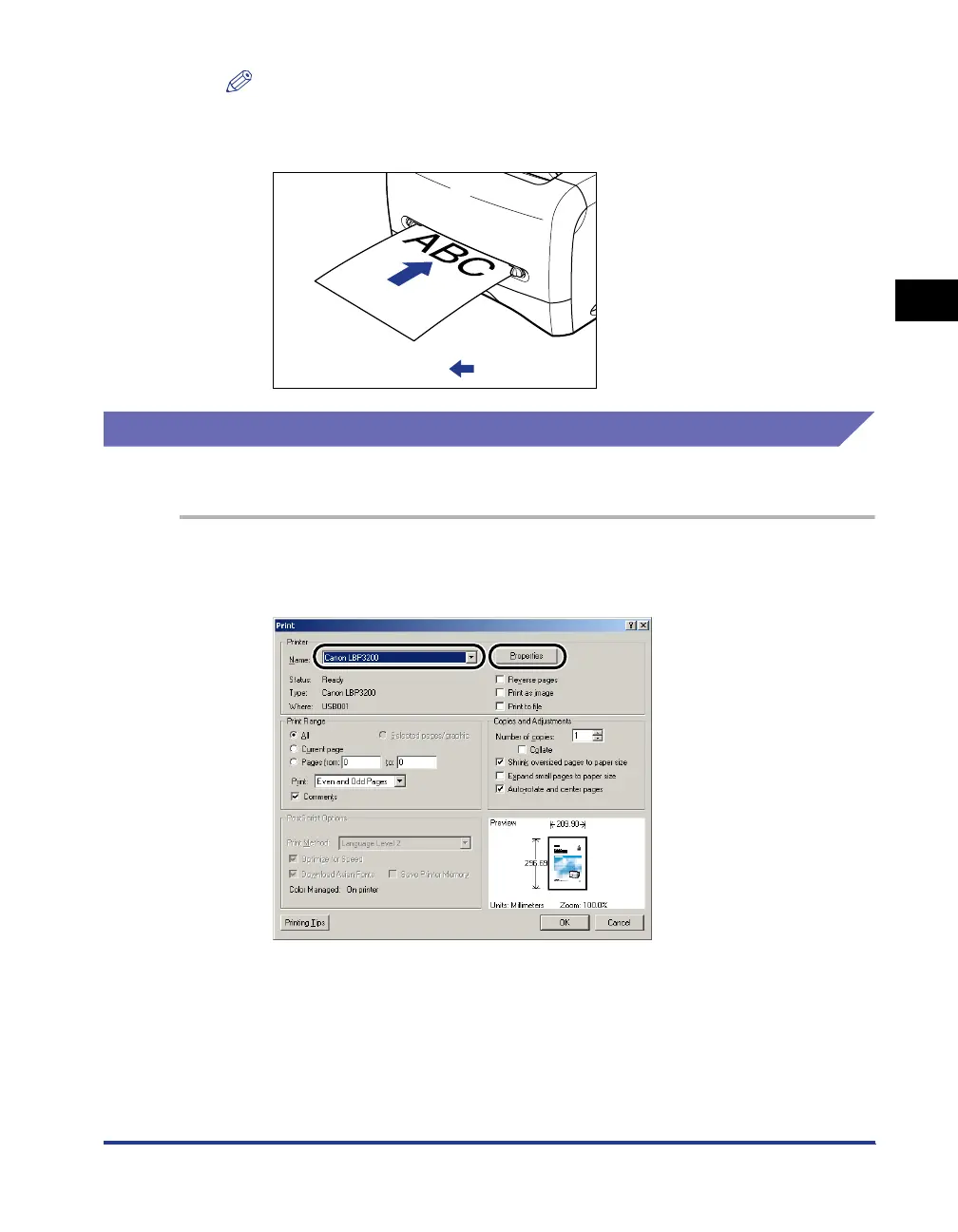
To print on letterhead paper or paper printed with a logo, set the paper so that the
printing surface faces up and the top edge comes toward the back of the manual
feed slot.
Setting Printer Driver and Printing
Follow the procedure below to set the printer driver.
1
Select [Print] in the application. Select this printer for [Name]
and click [Properties].
:Feeding direction












 To Next Page