Printing on Plain Paper / Heavy Paper / Label / Transparency
2-15
Loading and Delivering Paper
2
Loading Paper in the Cassette
Follow the procedure below to load paper in the cassette.
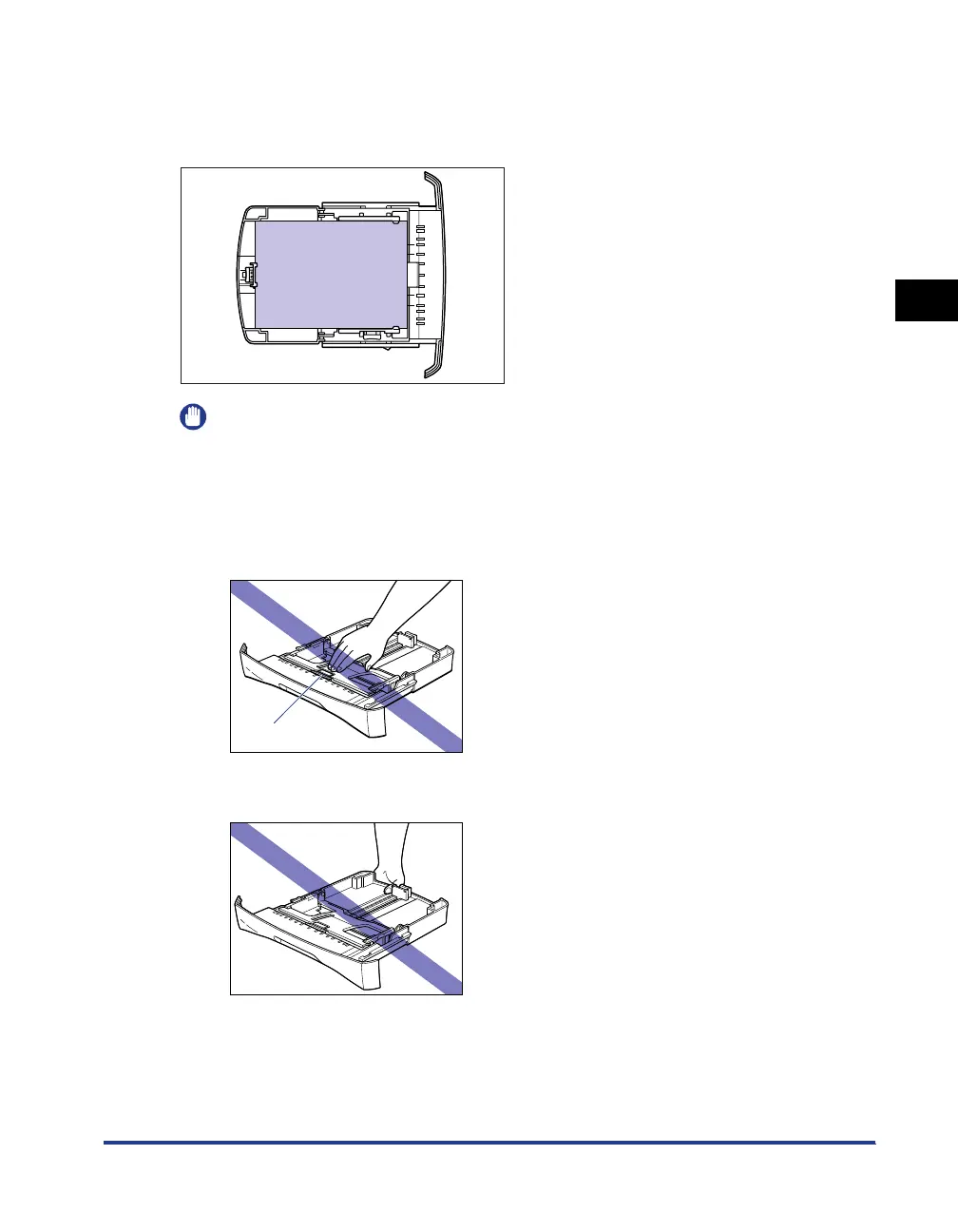
Load the paper lengthways in the cassette.
IMPORTANT
•
Do not take the cassette out of the printer while printing. It may result in paper jams or
printer malfunction.
•
If you refill the cassette when a few sheets of paper still remain, take out the loaded
paper once, then align the paper to be refilled and taken out paper together.
•
Do not touch the black rubber pad in the cassette. If you touch it, this may result in
misfeeds.
•
Do not lift the cassette by holding only the rear part of the cassette. If you do so, the rear
part of the cassette may come off.
Rubber pad












 To Next Page