Using the Printing Functions
4-32
Printing a Document
4
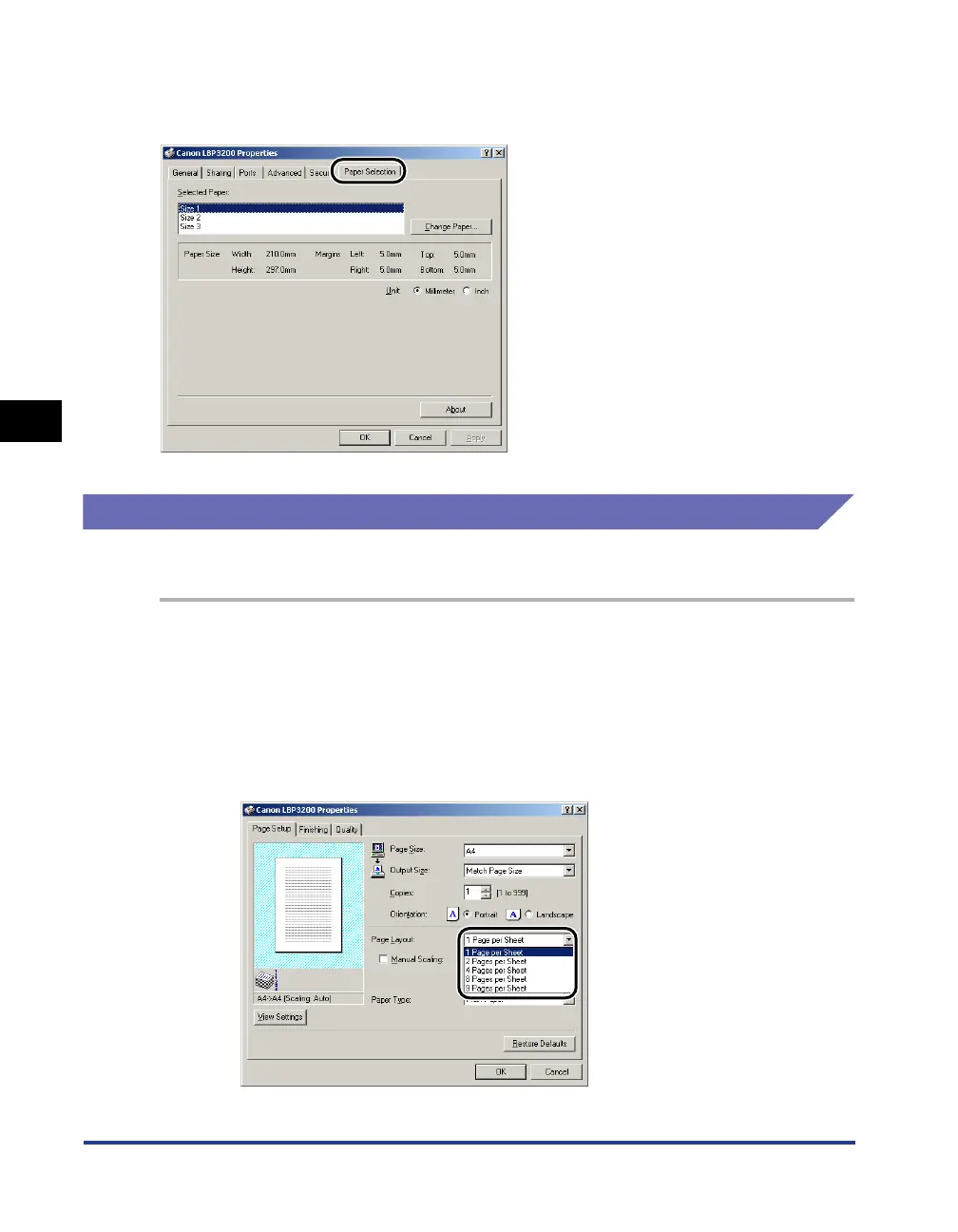
[Paper Selection] Sheet
Allows you to select custom paper.
Printing Multiple Pages on One Sheet
Multiple pages can be printed on one sheet of paper.
1
Display the [Page Setup] sheet.
2
From [Page Layout], select the page numbers to be printed on
one sheet.
The number of pages that can be selected is 1, 2, 4, 8, or 9 (Pages per Sheet).












 To Next Page