Printing on Envelope
2-28
Loading and Delivering Paper
2
-Wrinkled or creased envelopes
-Poorly manufactured envelopes in which the glued parts are uneven.
- Irregularly-shaped envelopes
•
Before loading the envelopes, flatten the stack of envelopes to release any remaining air,
and press the fold lines at edges tightly.
•
Do not print on the back of an envelope.
Loading Envelope in the Cassette
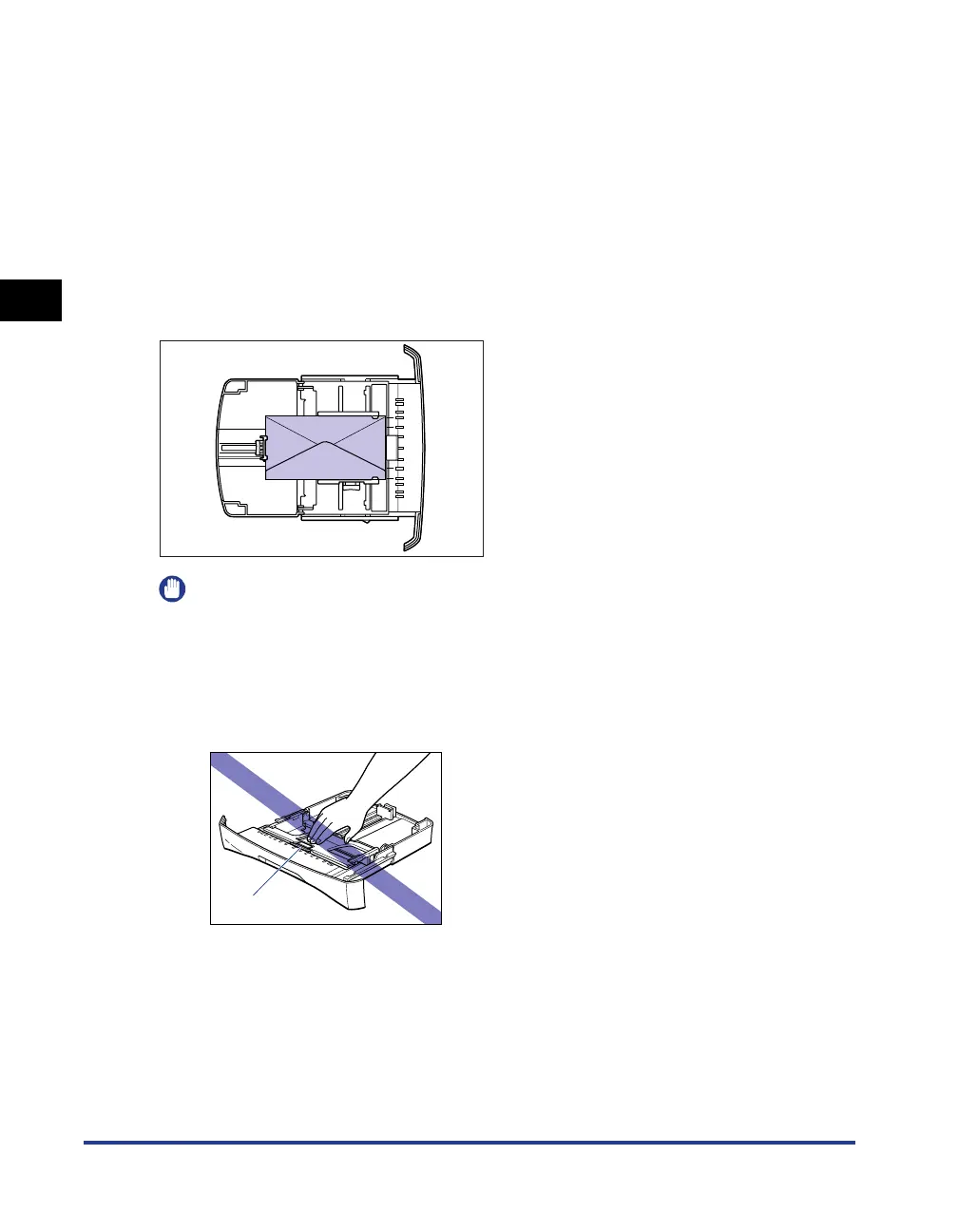
Follow the procedure below to load envelopes in the cassette.
Load envelopes lengthways in the cassette.
IMPORTANT
•
Do not take the cassette out of the printer while printing. It may result in paper jams or
printer malfunction.
•
If you refill the cassette when a few envelopes still remain, take out the loaded envelopes
once, then align the envelopes to be refilled and taken out envelopes together.
•
Do not touch the black rubber pad in the cassette. If you touch it, this may result in
misfeeds.
Rubber pad












 To Next Page