Using the Printing Functions
4-23
Printing a Document
4
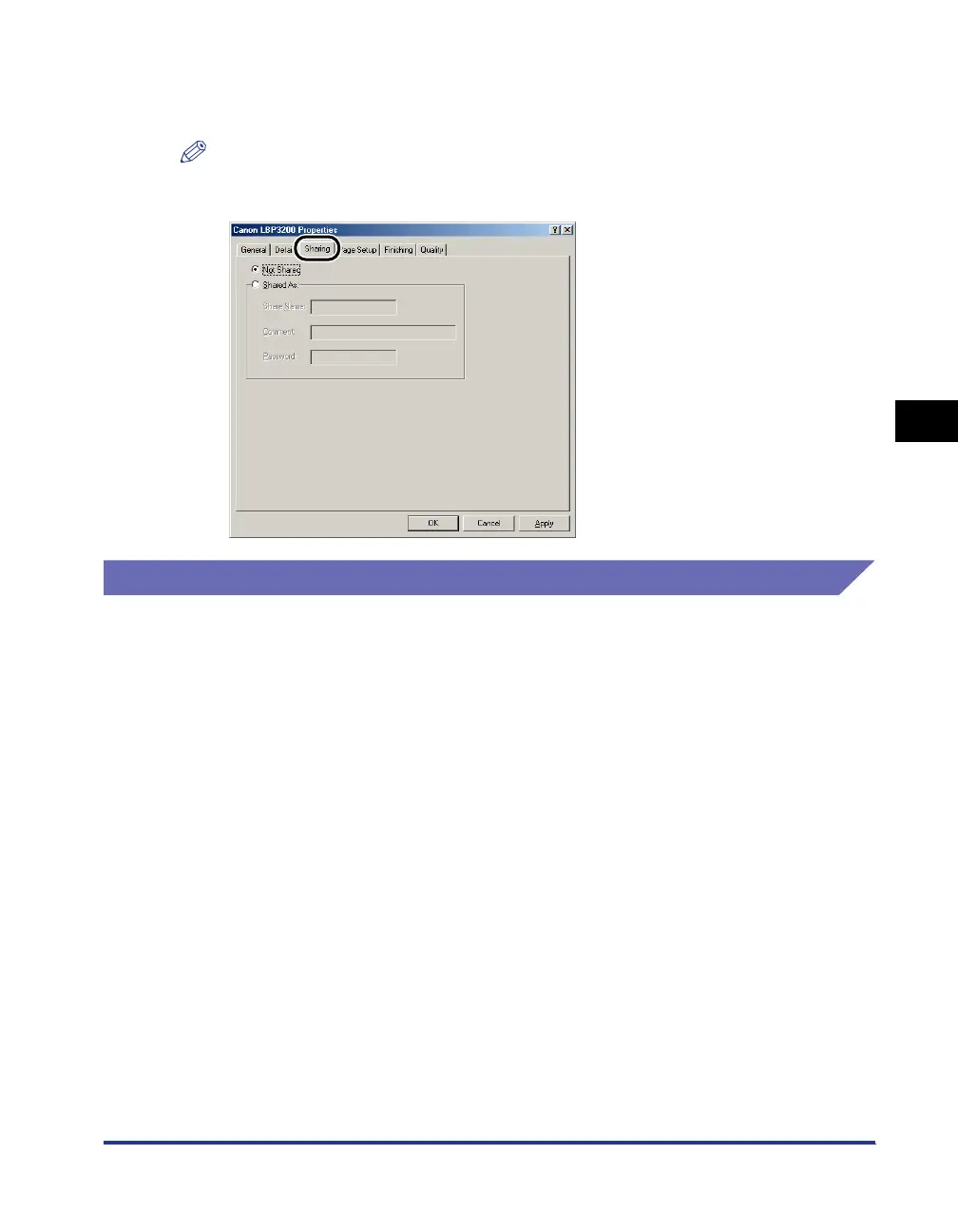
[Sharing] Sheet
Allows you to specify whether or not to share the printer.
NOTE
When [File and printer sharing for Microsoft Networks] is not added to the network
settings, the [Sharing] sheet is not displayed. (See p. 3-36.)
For Windows 2000/XP
The [Printer Properties] dialog box and the [Document Properties] dialog box
contain the following sheets that allow you to specify the various printing functions.
You can switch among sheets by clicking the tabs.
This section describes the types of printing preferences that can be specified in
each sheet.
• [Document Properties] dialog box
-[Page Setup] sheet
- [Finishing] sheet
- [Quality] sheet
• [Printer Properties] dialog box
- [General] sheet
- [Sharing] sheet
-[Ports] sheet
- [Advanced] sheet
- [Security] sheet
-[Paper Selection] sheet












 To Next Page