Paper Delivery Area
2-13
Loading and Delivering Paper
2
IMPORTANT
The following shows the number of sheets that can be delivered into the face-down
delivery area for the 120 V model.
- Plain paper (64 g/m
2
) Approx. 100 sheets
- Heavy paper (128 g/m
2
) Approx. 30 sheets
-Transparency Approx. 5 sheets
- Label Approx. 10 sheets
-Envelope Approx. 10 sheets
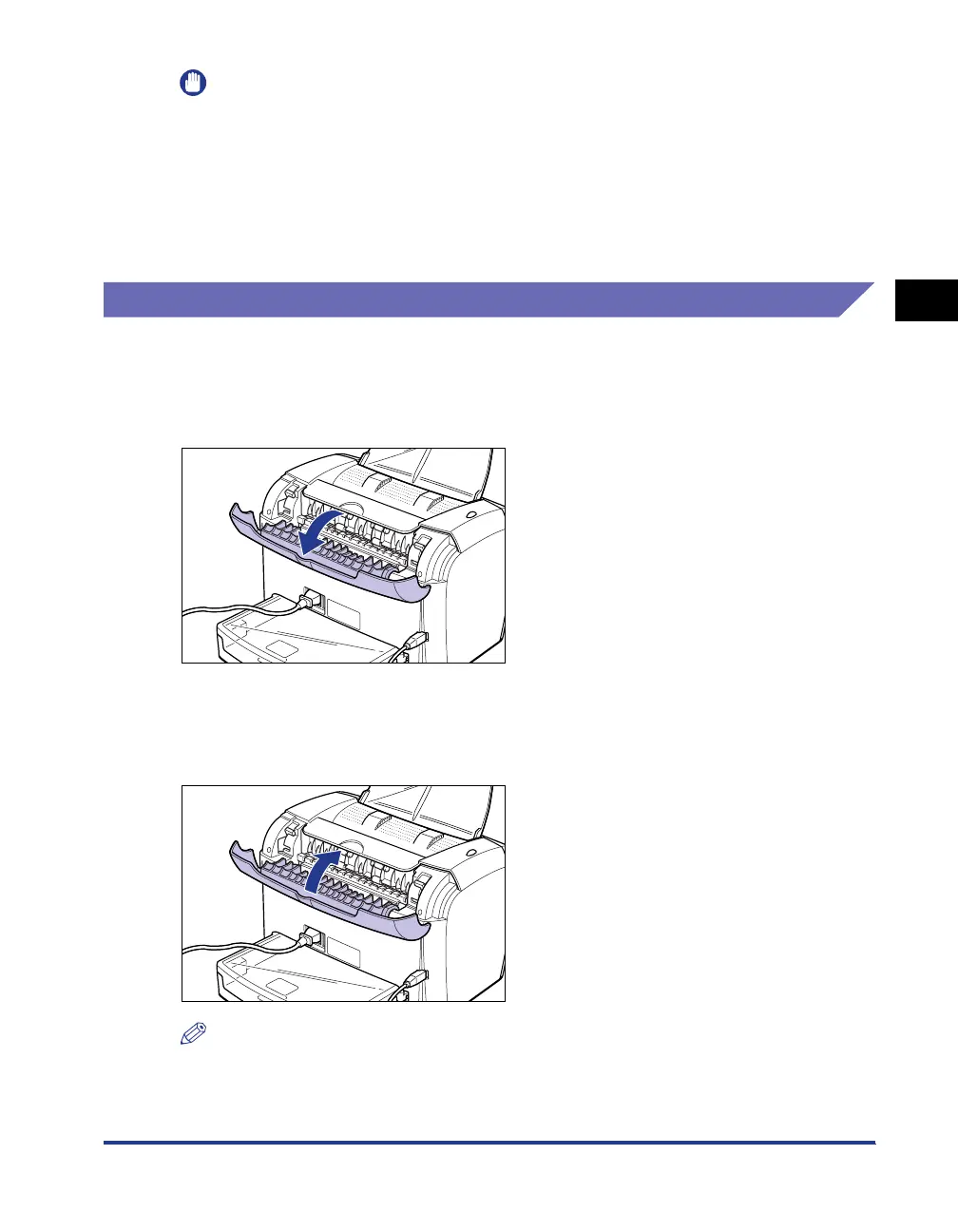
Selecting the Paper Delivery Area
Switching into the Face-up Delivery Slot
To switch into the face-up delivery slot, open the delivery selection cover by holding
the edge as shown in the figure.
Switching into the Face-down Delivery Area
To switch into the face-down delivery area, close the delivery selection cover by
holding the edge as shown in the figure.
NOTE
If the face-down delivery tray is closed, open it.












 To Next Page