Using the Printing Functions
4-29
Printing a Document
4
■ Details
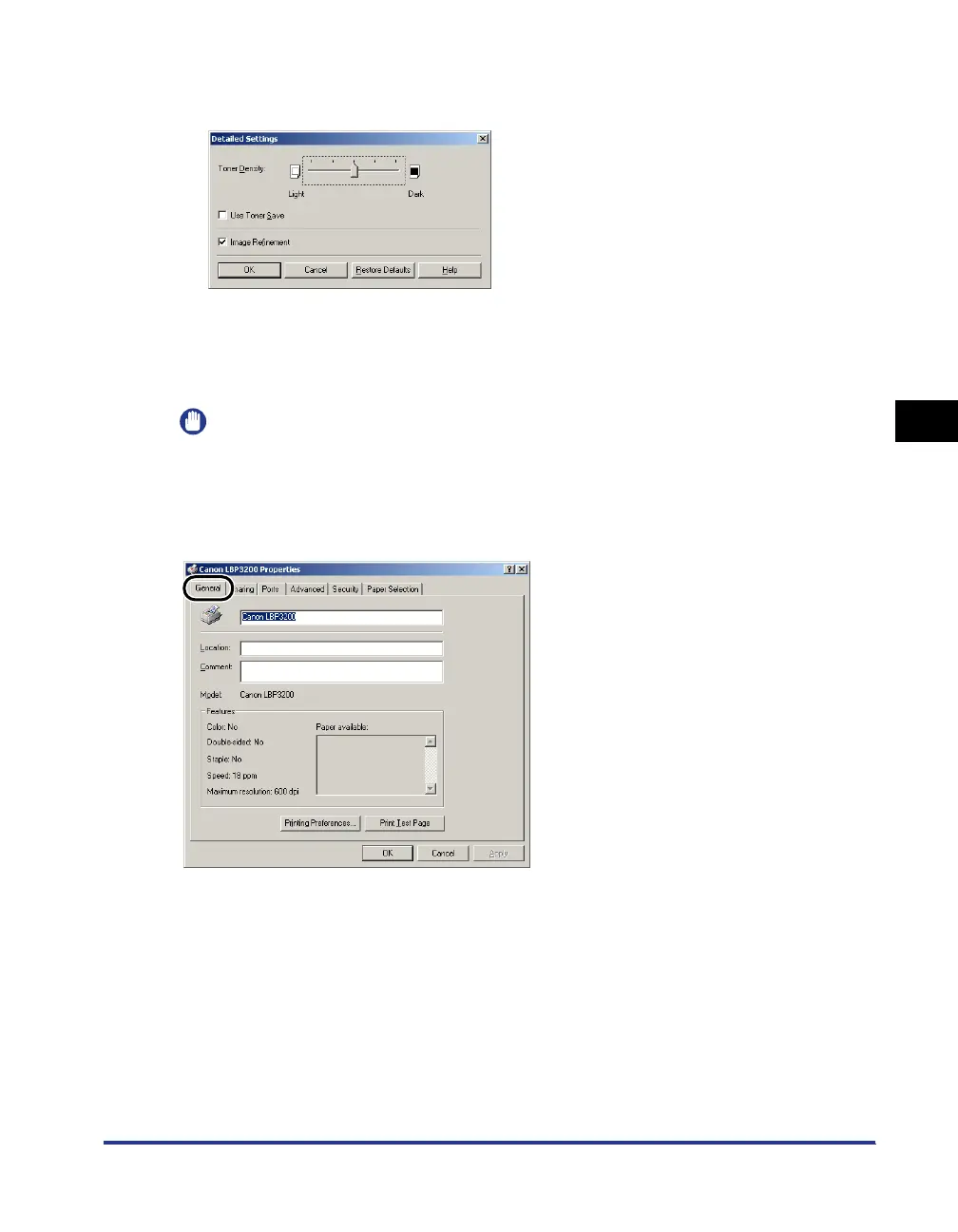
The dialog box shown below will appear by clicking [Details].
• To change the density settings, drag the slider for [Toner Density] rightward and leftward.
• If you place a checkmark for [Use Toner Save], you can save toner.
• If you place a checkmark for [Image Refinement], the printer will smooth jagged
characters or graphics automatically.
IMPORTANT
Using the Toner Save mode may decrease print density making printed text look patchy.
[General] Sheet
Displays the printer name. Allows you to print a test page.












 To Next Page