Specifying the Printing Preferences
4-11
Printing a Document
4
Displaying the [Document Properties] Dialog Box from the
Application
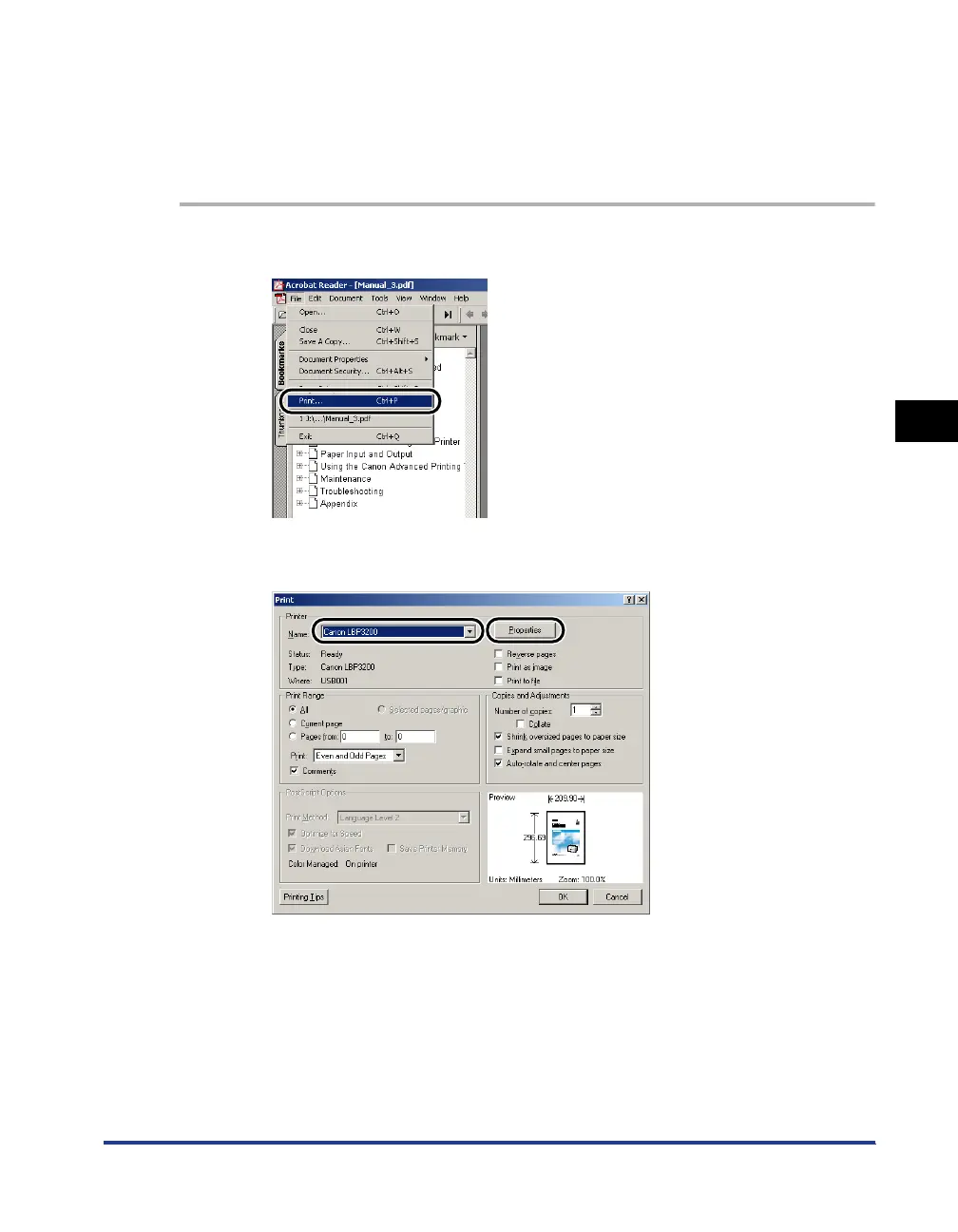
This section describes the procedure, taking Acrobat Reader included in the
accompanying CD-ROM as an example.
1
Select [Print] from the [File] menu in the application.
2
Confirm the printer name, and then click [Properties].












 To Next Page