Installing the CAPT Software
3-18
Setting Up the Printing Environment
3
9
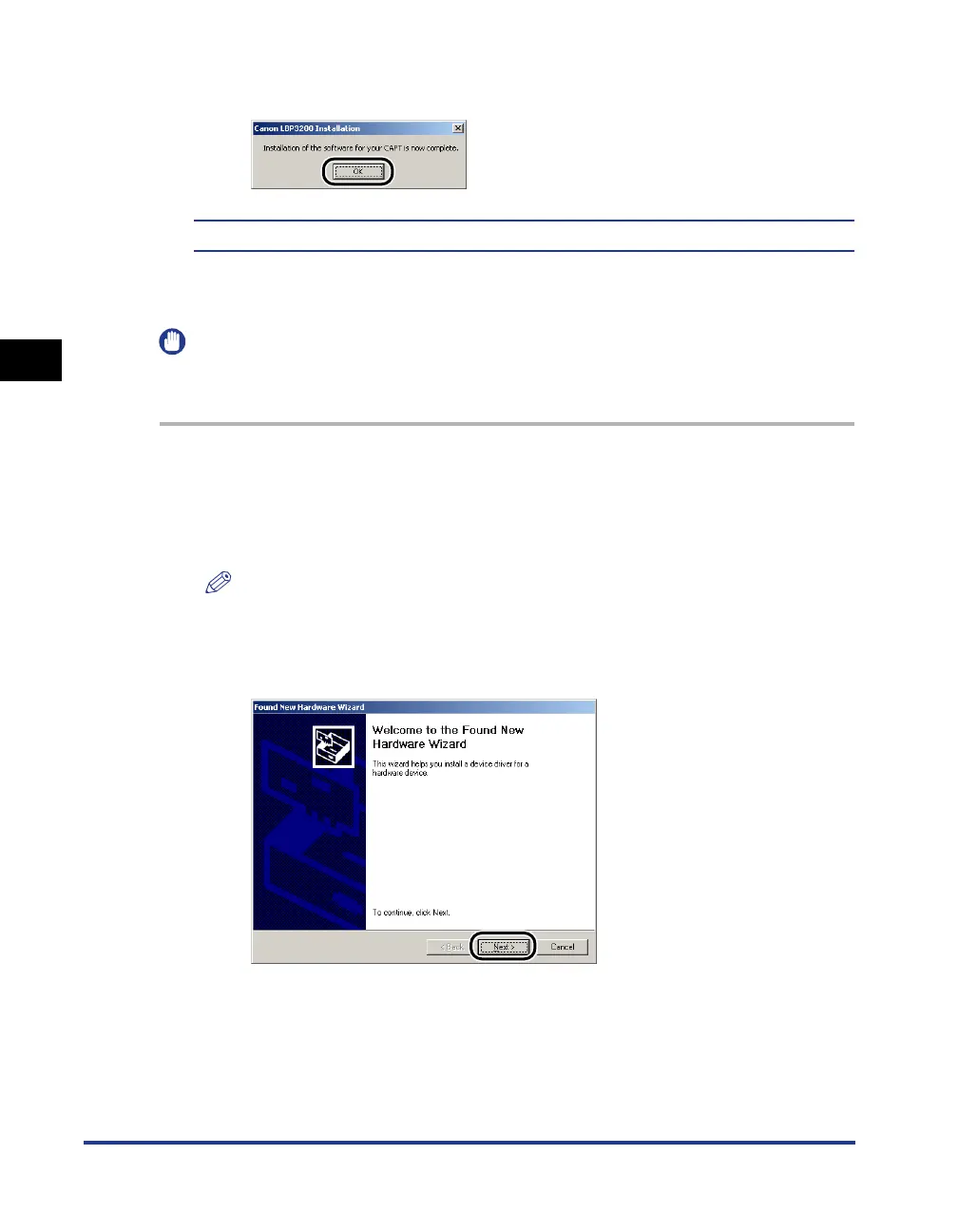
When the screen shown below appears, click [OK].
The installation of the USB class driver and the printer driver is completed.
Installing with Plug and Play
IMPORTANT
Before installing the CAPT software with Plug and Play, make sure that the printer is
properly connected to your computer and that the printer is turned ON.
1
Turn ON the computer and start up Windows 2000.
2
Log on by a user who has an administrator's permission.
NOTE
Full Control Permission is required for the installation of the printer driver.
3
Click [Next].












 To Next Page