Installing the CAPT Software
3-19
Setting Up the Printing Environment
3
4
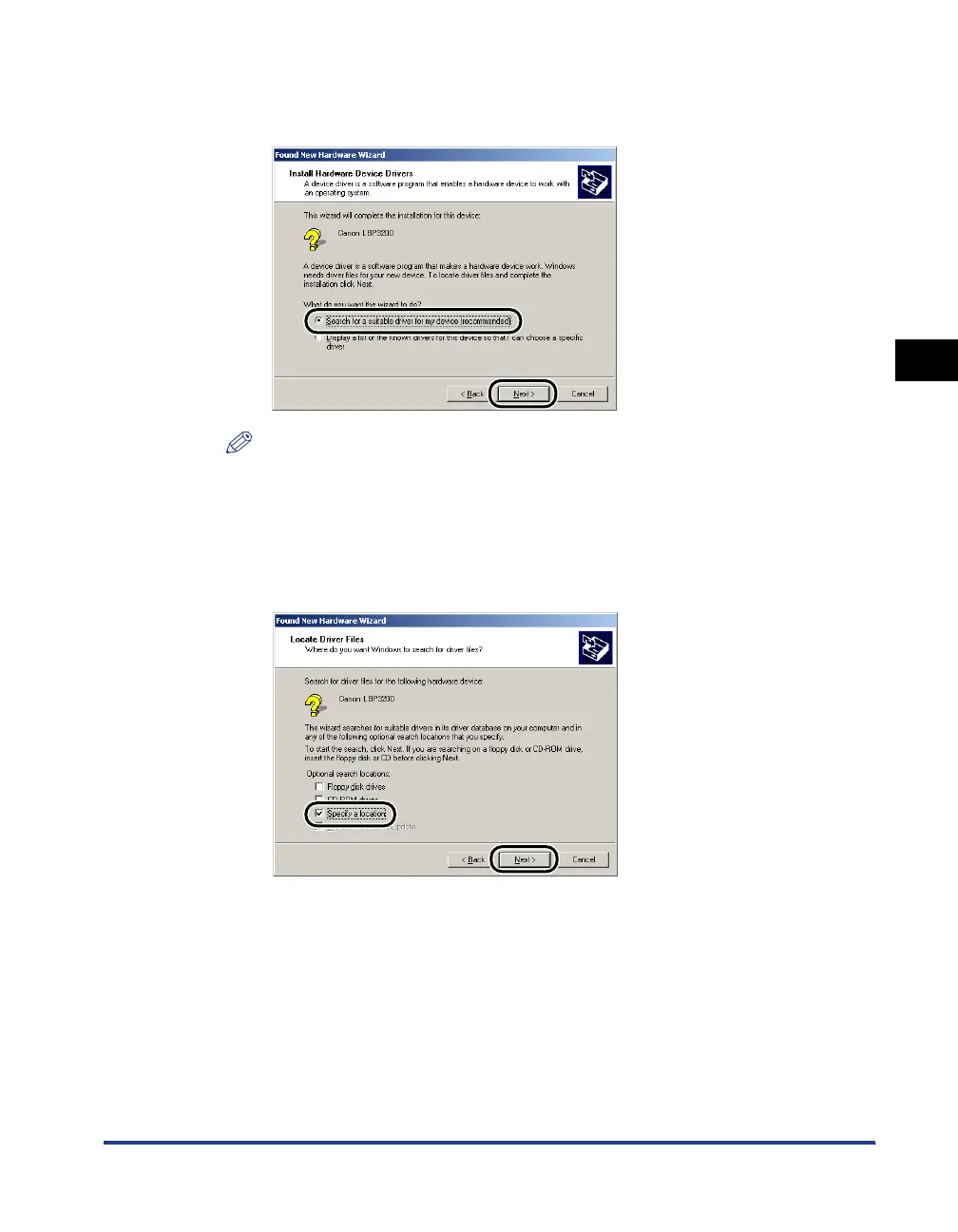
Select [Search for a suitable driver for my device
(recommended)], then click [Next].
NOTE
[Unknown] may be displayed as the name of the device.
5
Remove a checkmark from [Floppy disk drives] and [CD-ROM
drives], place a checkmark for [Specify a location], and then
click [Next].












 To Next Page