Using the Printer on a Network
3-48
Setting Up the Printing Environment
3
2
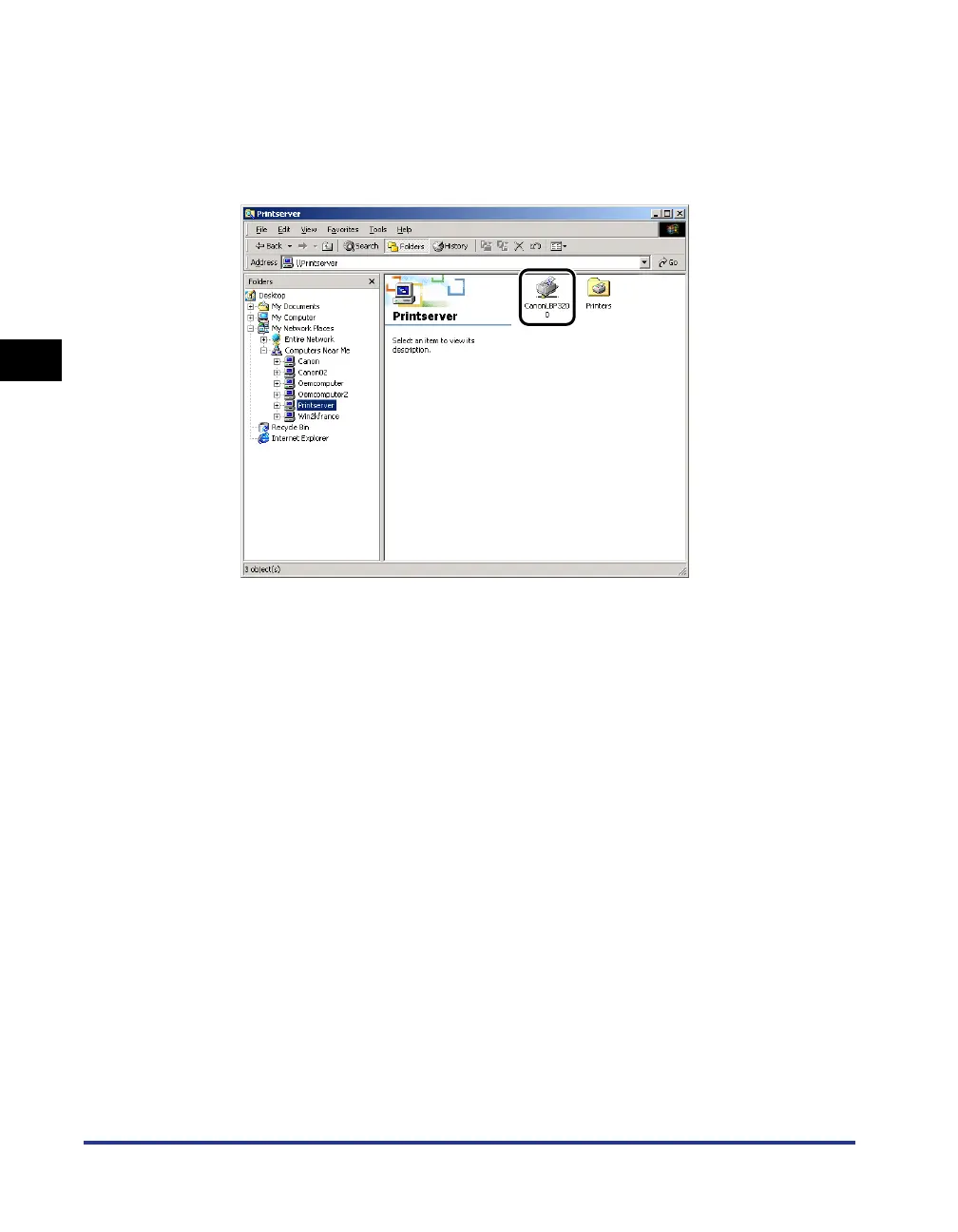
Select the print server from [My Network Places] (from
[Network Computer] for Windows 98), then double-click the
[Canon LBP3200] icon.
Or drag and drop the [Canon LBP3200] icon into the [Printers] folder.
3
The [Printers] dialog box will appear. Follow the instructions
on the screen.












 To Next Page