Installing the CAPT Software
3-7
Setting Up the Printing Environment
3
9
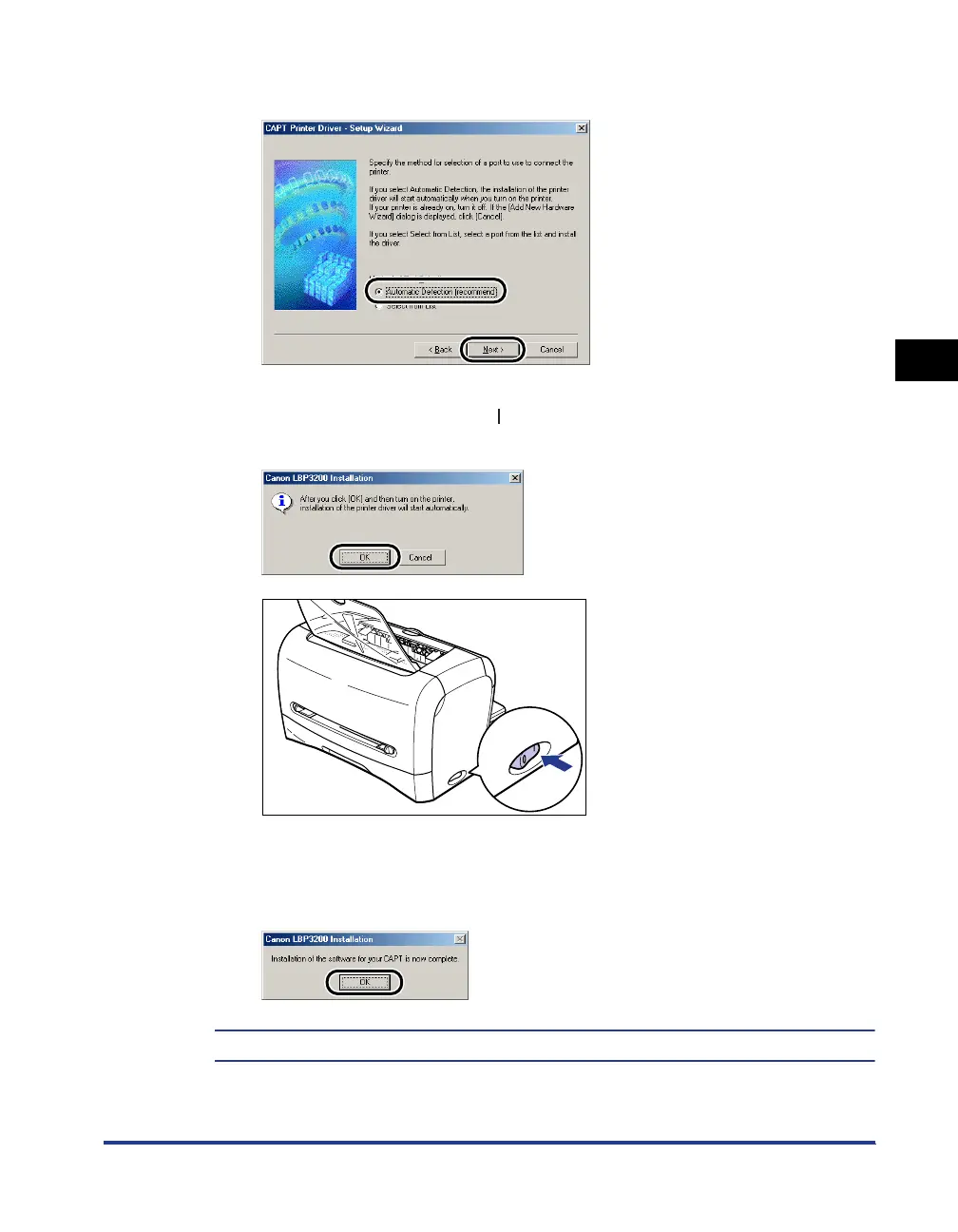
Select [Automatic Detection (recommend)] and click [Next].
10
Click [OK], then press " " of the power switch to turn ON the
printer.
Installation of the printer driver and the USB class driver will start automatically.
11
After the installation is completed, click [OK].
The installation of the USB class driver and the printer driver is completed.












 To Next Page