Using the Printer on a Network
3-44
Setting Up the Printing Environment
3
5
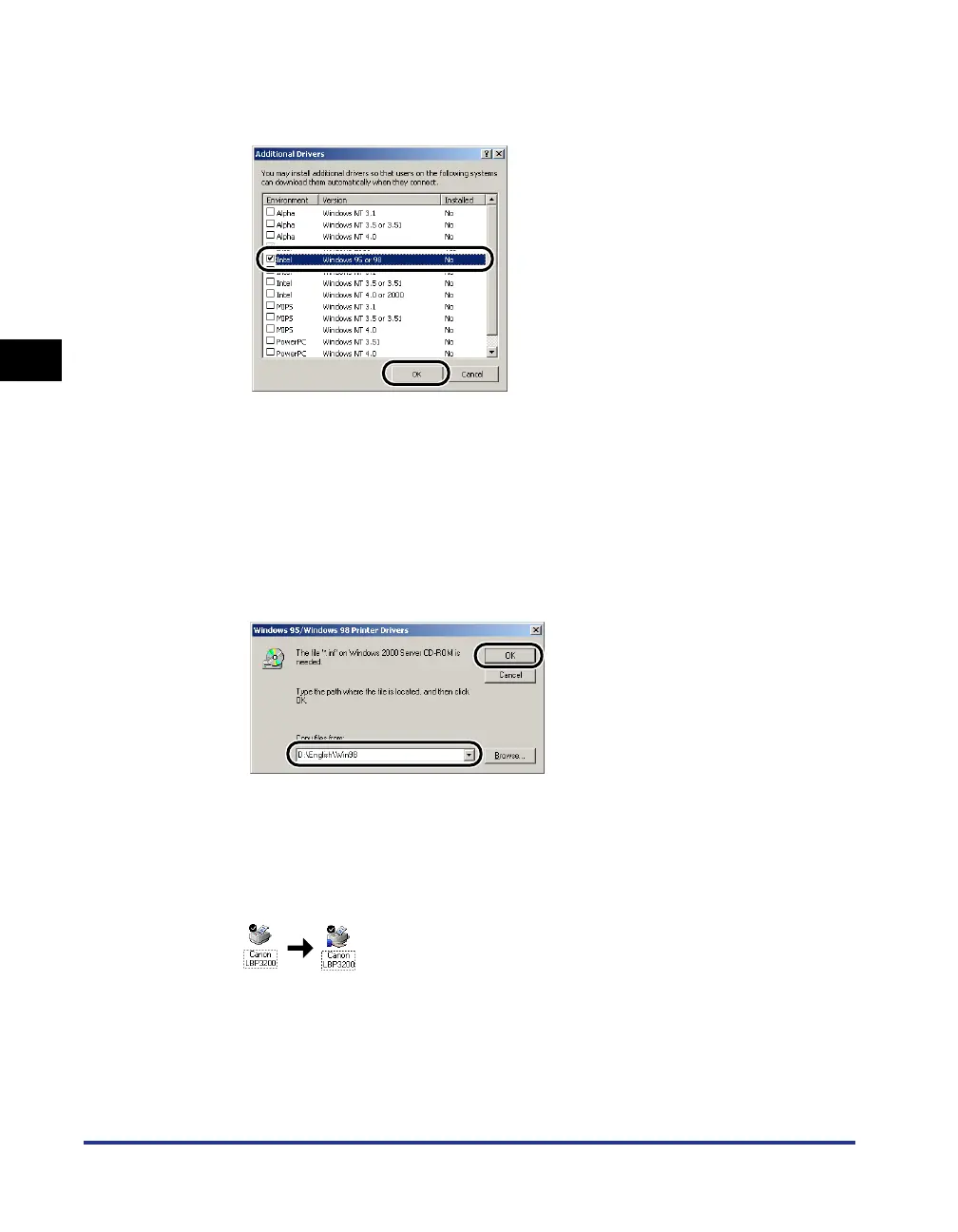
For Windows 2000, select [Windows 95 or 98], for Windows
XP, select [Windows 95, 98 and Me], then click [OK].
6
Put the supplied "User Software for LBP3200" CD-ROM into
the CD-ROM drive.
If the [Insert Disk] dialog box appears, click [OK].
7
If your CD-ROM drive is drive [D:], select [D:\English\Win98],
and then click [OK].
Copying files will be started.
8
Click [Close].
The printer icon changes to the printer sharing icon.












 To Next Page