Printing a Test Page
3-34
Setting Up the Printing Environment
3
4
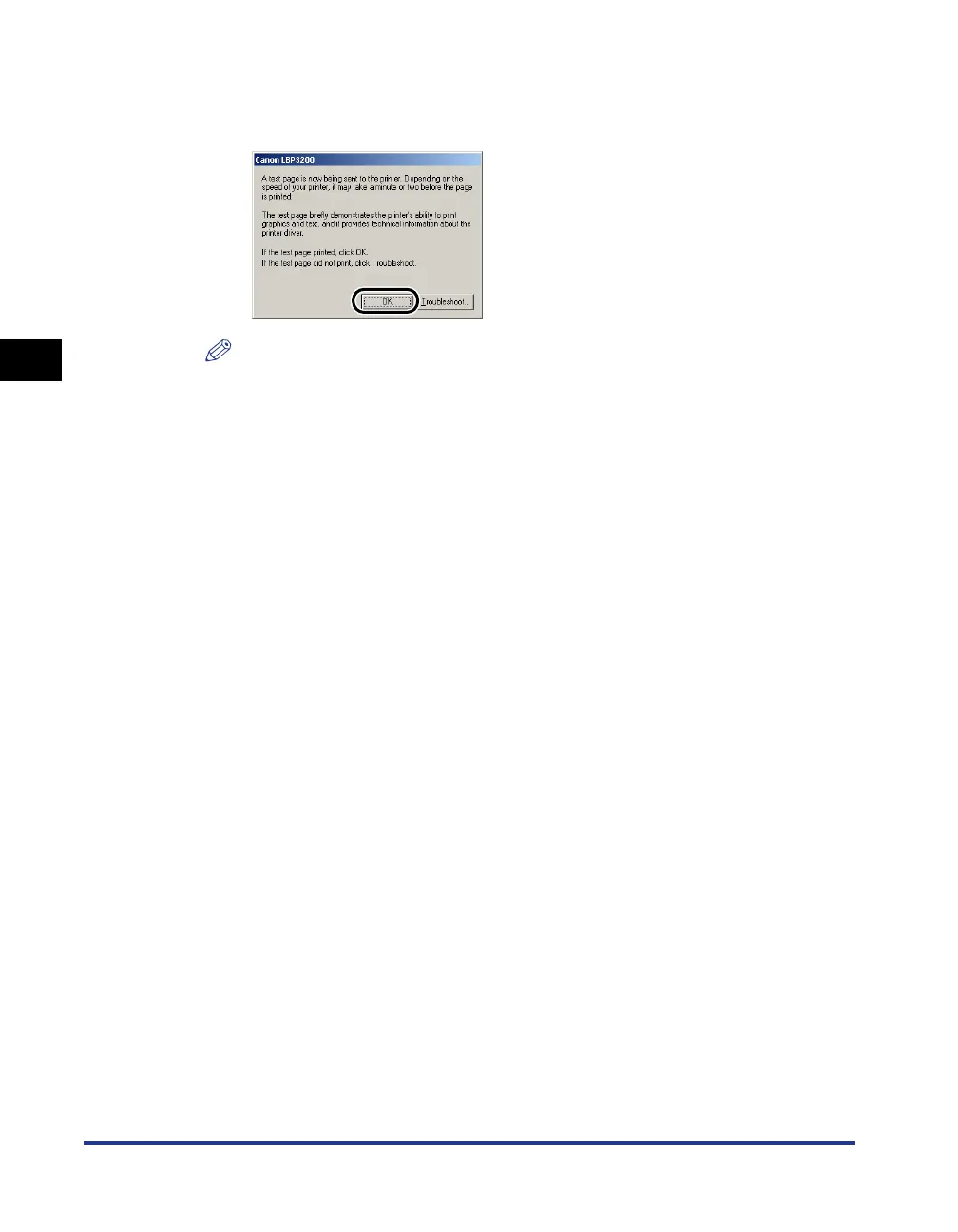
If the test page is printed properly, click [OK].
If you are using Windows 98/Me, click [Yes].
NOTE
If the test page is not printed properly, uninstall the CAPT software (see
"Installation Problems," on p. 6-22), restart the computer, then start the installation
procedure again.




 To Next Page