Specifying the Printing Preferences
4-13
Printing a Document
4
2
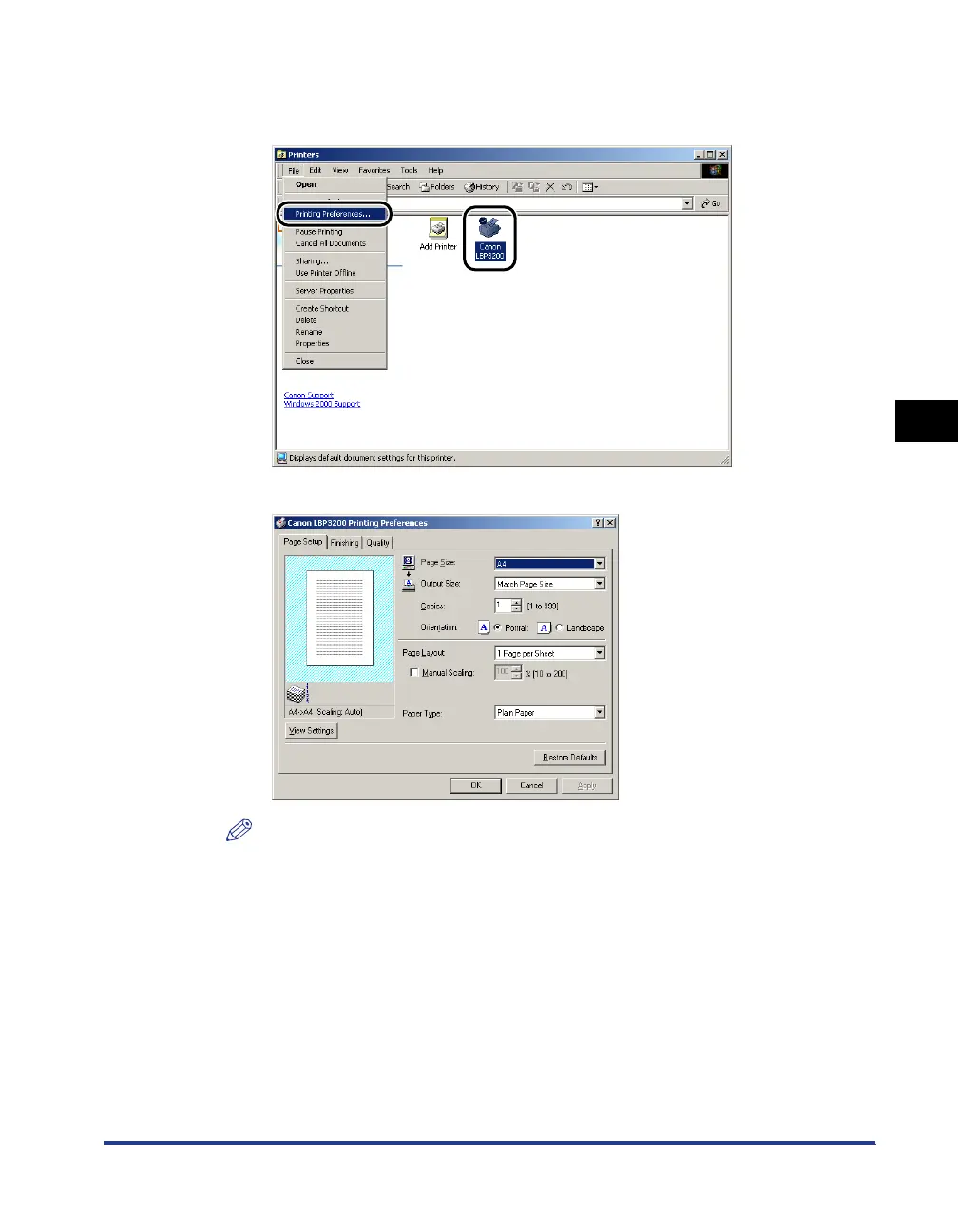
Select the [Canon LBP3200] icon, then select [Printing
Preferences] from the [File] menu.
The [Document Properties] dialog box will appear.
NOTE
The [Document Properties] dialog box can also be opened by right-clicking the
[Canon LBP3200] icon and selecting [Printing Preferences] from the pop-up menu.












 To Next Page