Paper Jams
6-5
Troubleshooting
6
•
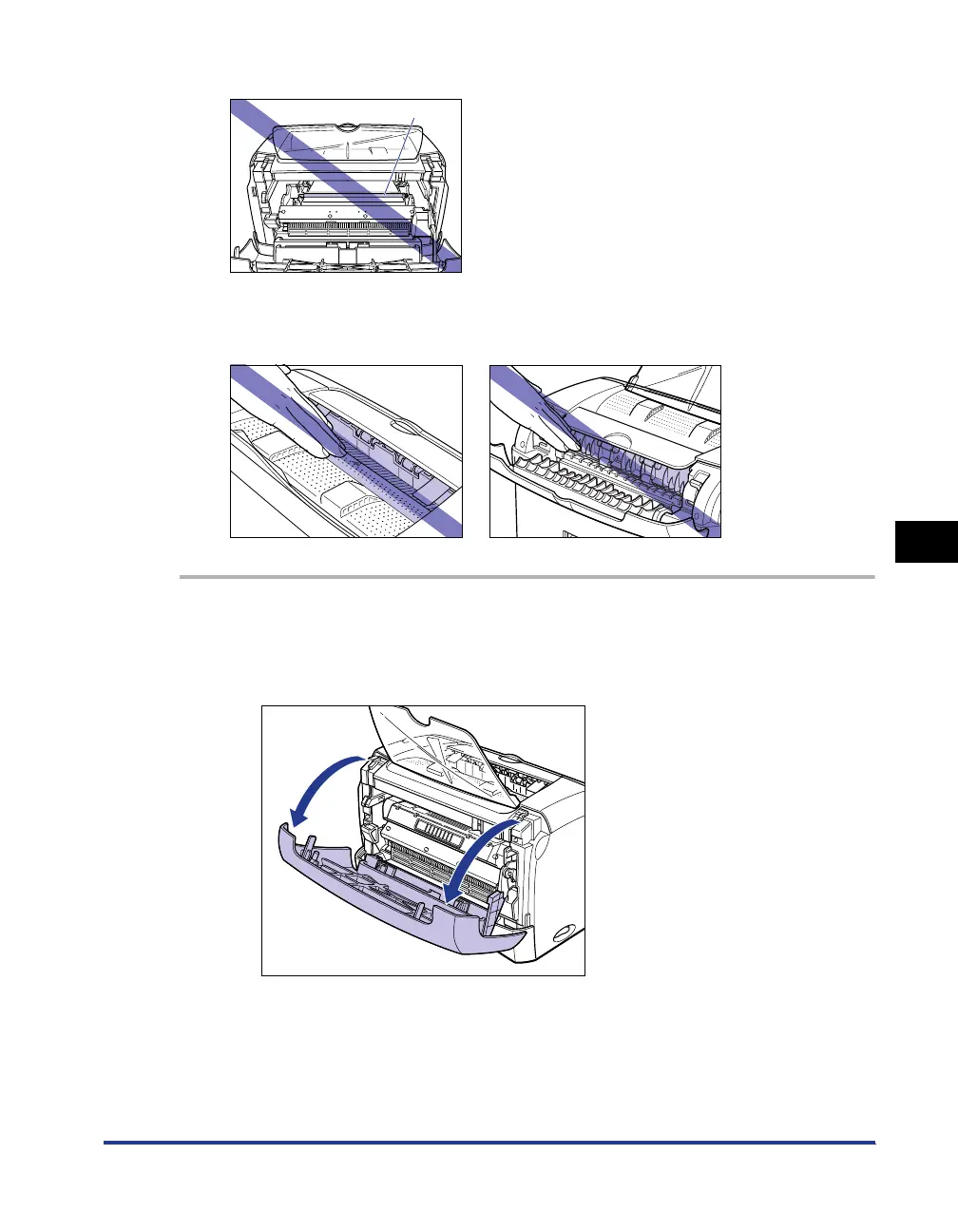
Do not touch the transfer roller, as this may result in a deterioration in print quality.
•
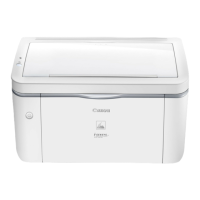
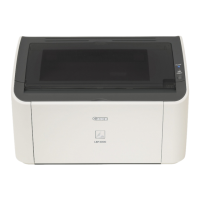
The face-down delivery area and face-up delivery slot become extremely hot while
printing or immediately after printing. When removing paper or paper jam, be careful not
to touch the face-down delivery area, face-up delivery slot, and their surroundings.
1
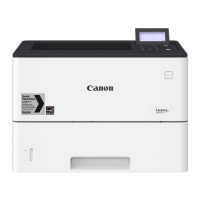
Open the front cover.
When opening the front cover, put your hands into the opening on both sides of
the printer, then slowly and strongly pull it out.
Transfer roller




 To Next Page