Connecting to a Computer
1-14
Before You Start Using This Printer
1
1
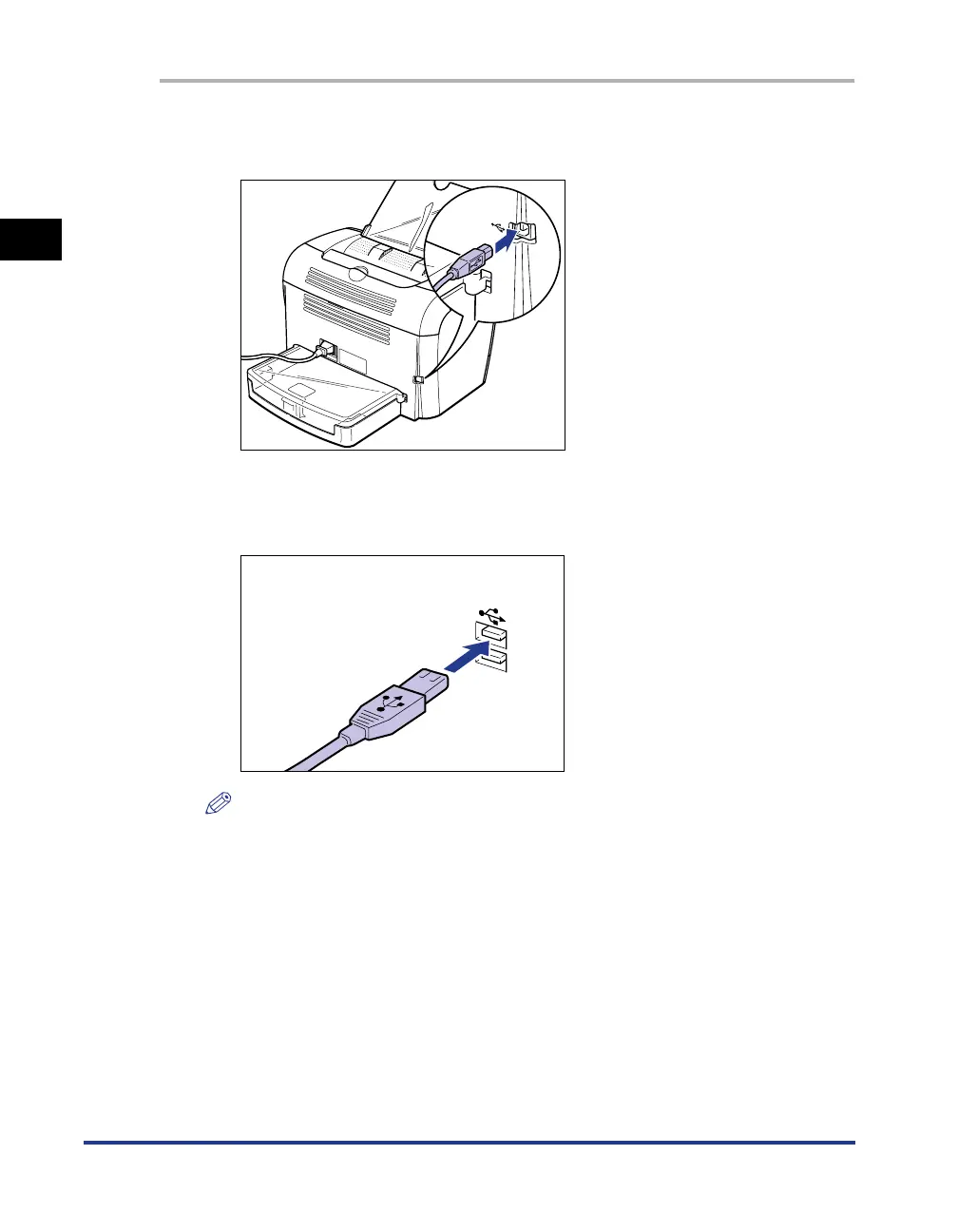
Connect the B-type (square) end of the USB cable to the USB
connector on the rear side of the printer.
2
Connect the A-type (flat) end of the USB cable to the USB port
on the computer.
NOTE
After connecting the USB cable, install the software for this printer according to the
instructions on the computer screen. For more details, see "Installing the CAPT
Software," on p. 3-4.












 To Next Page