Printing on Envelope
2-31
Loading and Delivering Paper
2
3
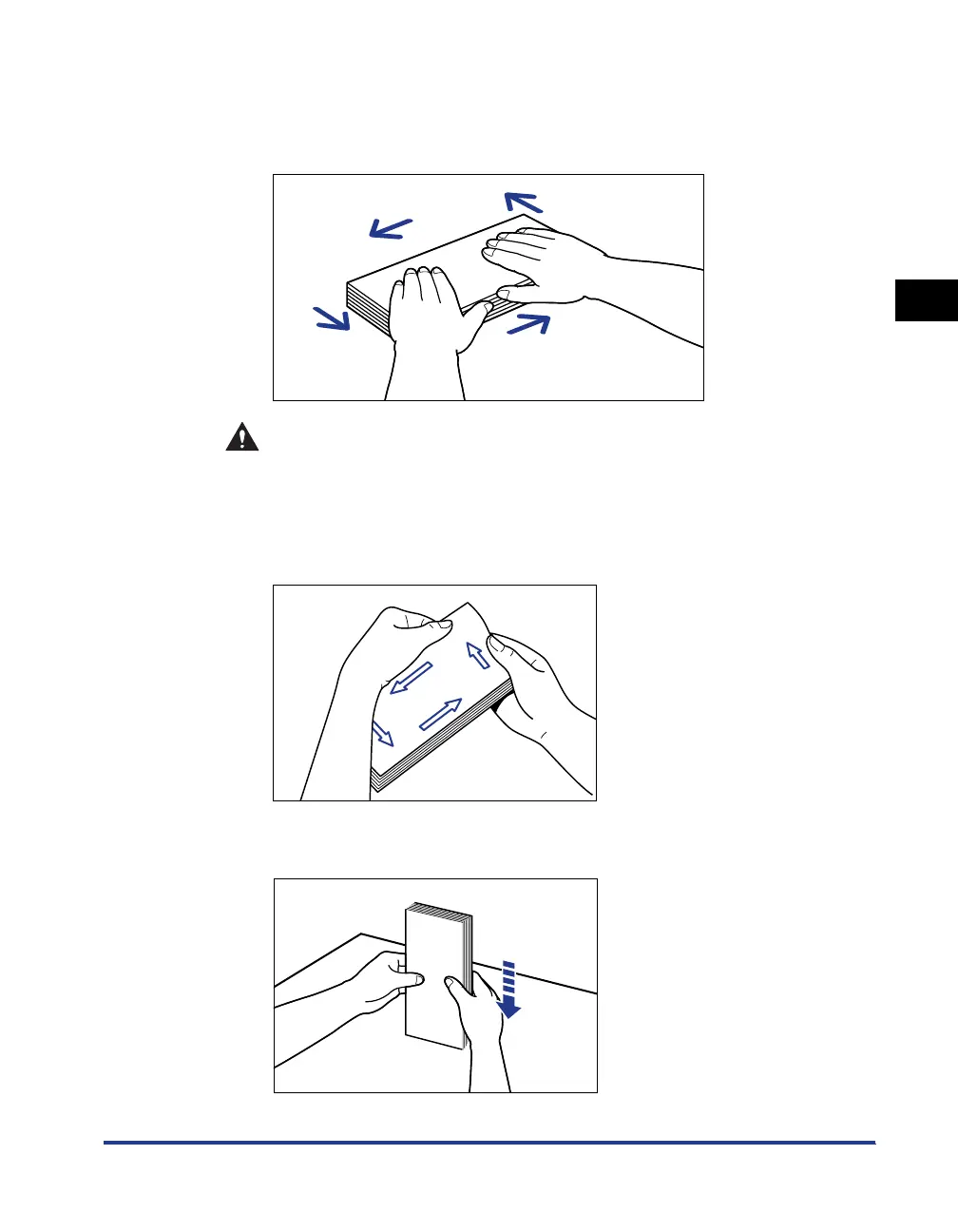
Place the stack of envelopes on a flat surface, flatten them to
release any remaining air, and press the fold lines at edges
tightly.
CAUTION
Be careful not to cut your hands with the edges of the envelopes.
4
Loosen the hard corners of the envelopes and flatten curls as
shown in the figure.
5
Align the edges of the envelopes on a flat surface.












 To Next Page