Printing on Envelope
2-38
Loading and Delivering Paper
2
3
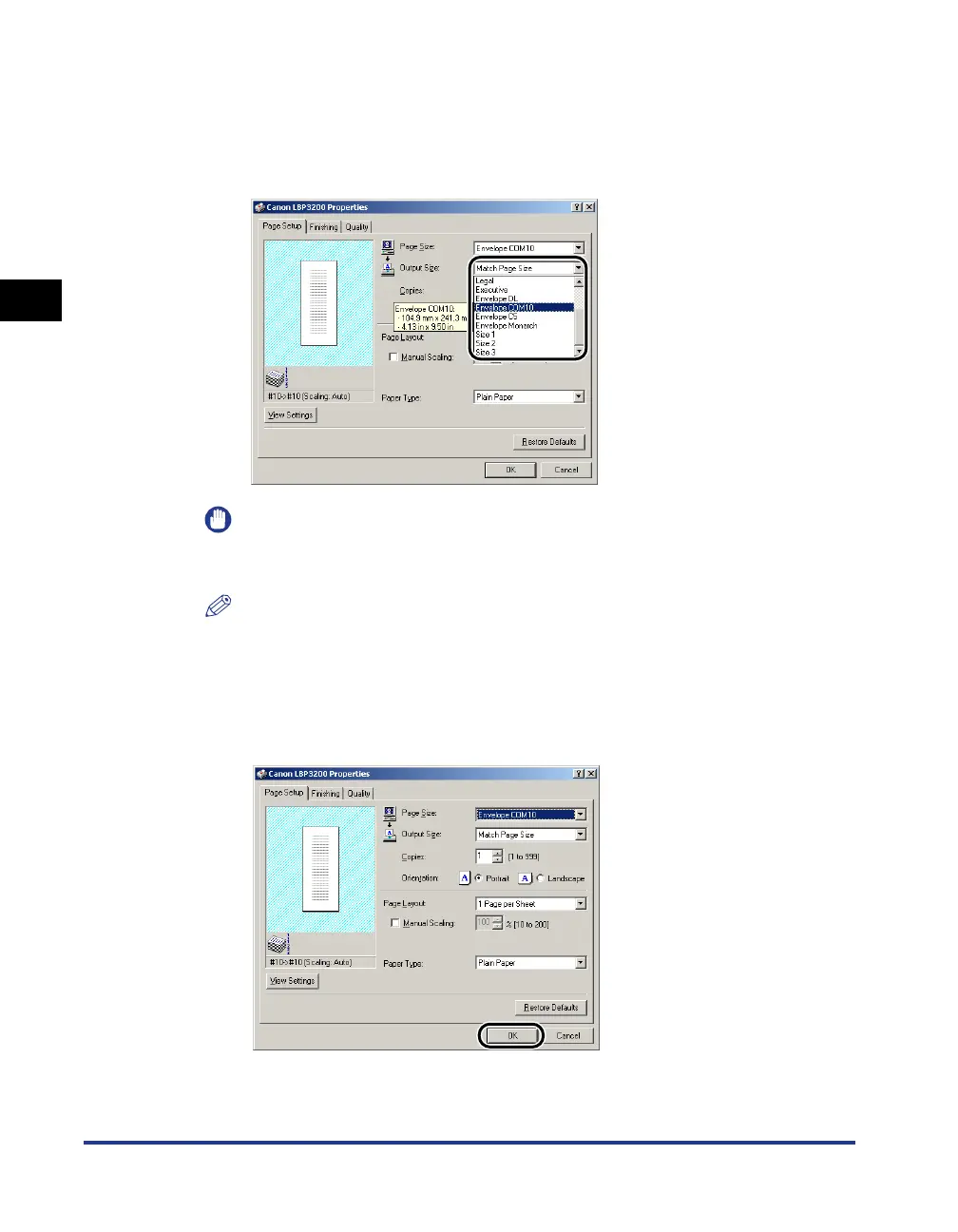
From [Output Size], select the size of the loaded paper as
needed.
If the size of a document is the same as that of paper set in the cassette or
manual feed slot, select [Match Page Size].
IMPORTANT
If the settings are different between [Page Size] and [Output Size], the printer
produces an enlarged or reduced print automatically.
NOTE
If you select any of [Envelope C5], [Envelope COM10], [Envelope DL], [Envelope
Monarch] for [Output Size], the appropriate paper type is automatically set. So, you
do not have to set [Paper Type].
4
Click [OK] to close the [Properties] dialog box.












 To Next Page