Clear Paper Jams of the optional Book Stacker
Jam at Book Stacker infeed
When to do
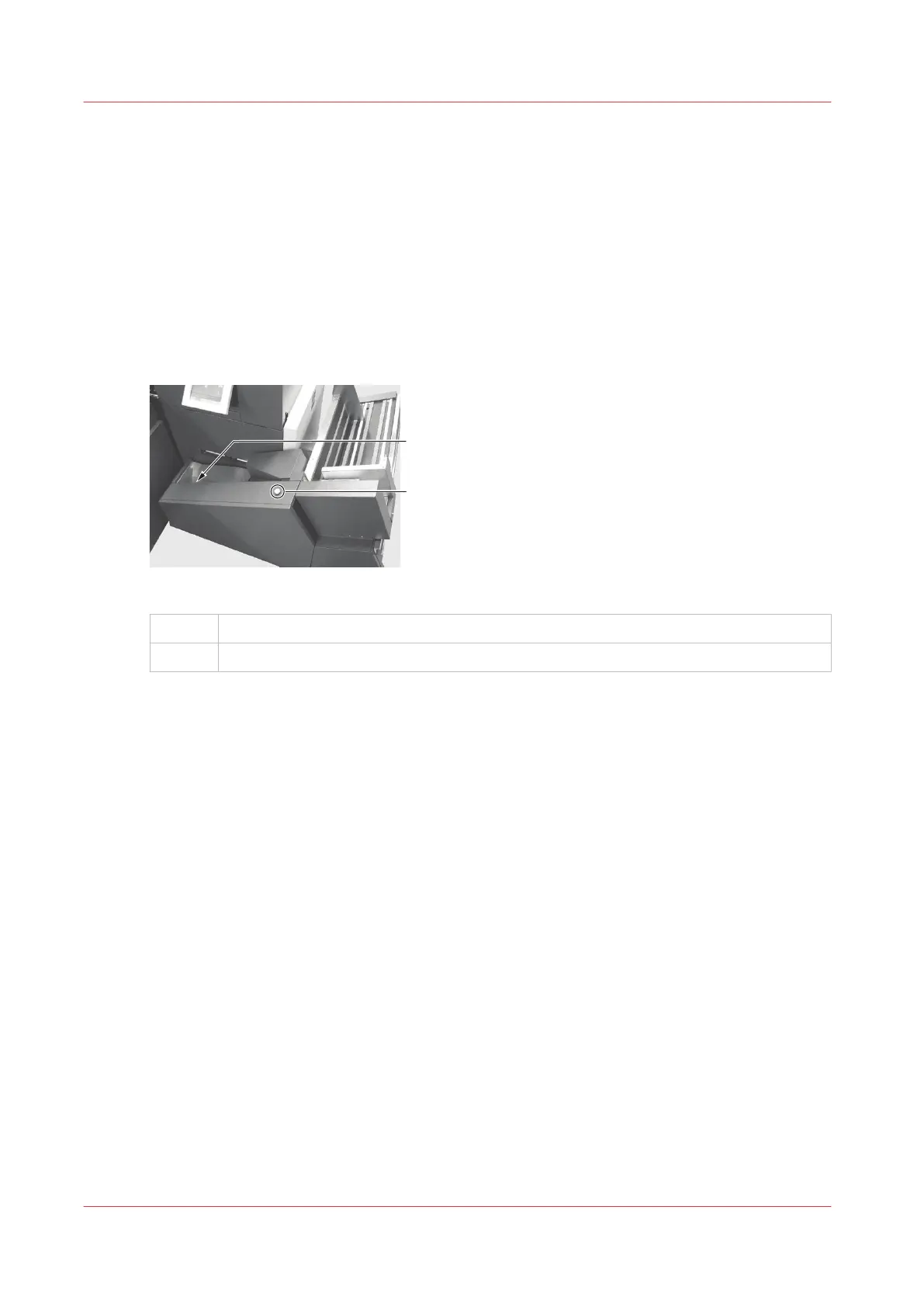
The error message JAM AT STACKER INFEED is displayed. This means a book covers the sensor
at the Book Stacker infeed.
Illustration
[41] Book Stacker infeed
A
Book Stacker infeed
B Book Stacker reset button
Procedure
1.
Remove the book.
2.
If you are making thin books, attach the magnetic paper guide (see
Adjust the Book Stacker
on
page 56).
3.
Press the reset button on the Book Stacker.
Clear Paper Jams of the optional Book Stacker
104
Chapter 6 - Error Conditions, Problems and Solutions



 To Next Page