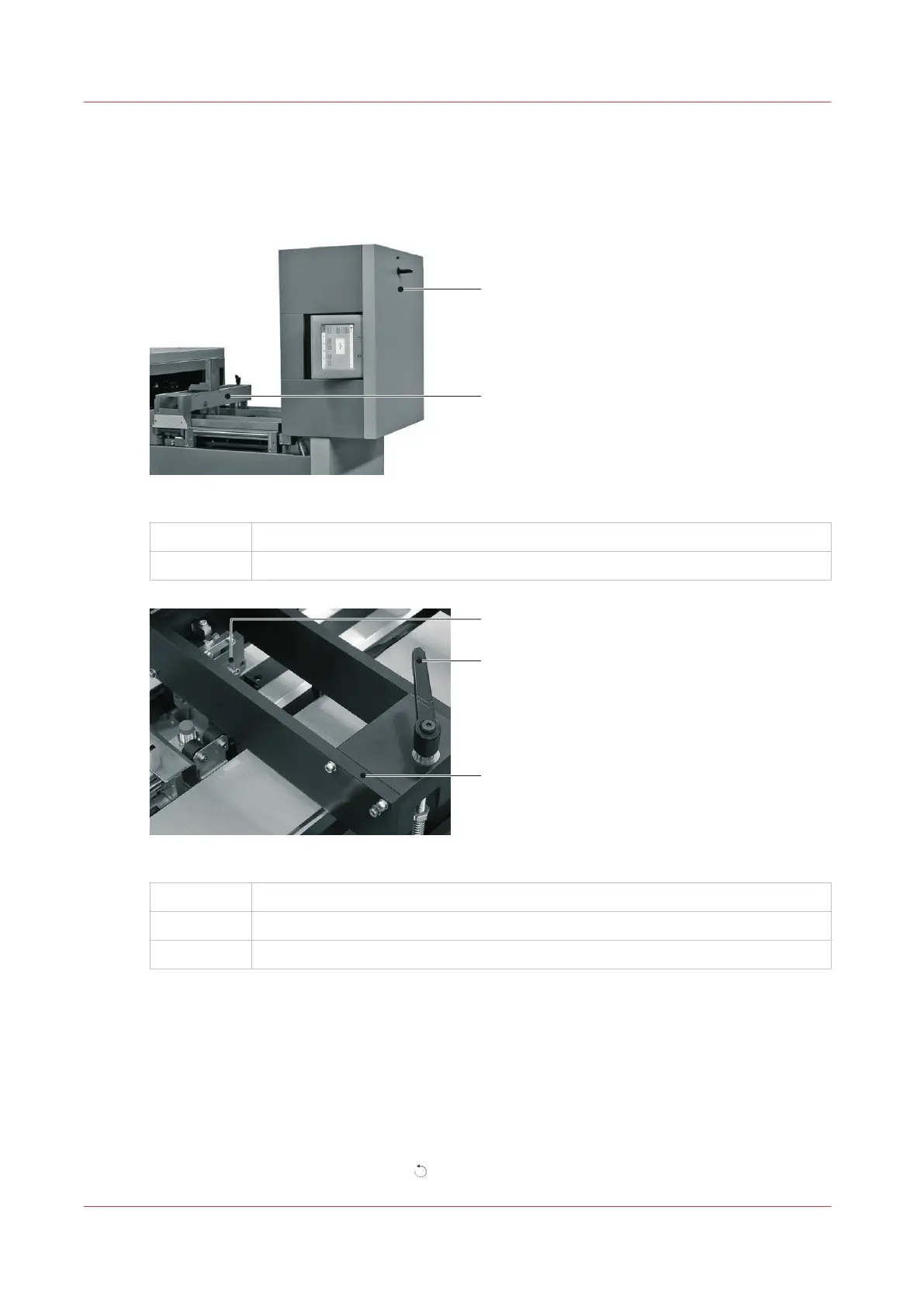
Lift and Lower the Clincher Frame
Introduction
[12] Folder Cover in the vertical position.
A
Folder Cover
B Clincher Frame
[13] Clincher Frame Components
A
Clincher
B Locking Handle
C Clincher Frame
When to do
If a machine error occurs, or for maintenance.
• To clear a paper jam in the stitch area
• To unlock the Booklet maker main deck
Lift the Clincher Frame
1. Open the folder cover.
2. Turn the locking handle to the left
, until the thread is disengaged.
Lift and Lower the Clincher Frame
46
Chapter 5 - Standard Tasks



 To Next Page