Fit a New Stitch-wire Spool
Step Action Information
1 Open the stitch-wire cabinet
2 Remove the stitch-wire cap and fin-
ished stitch-wire spool.
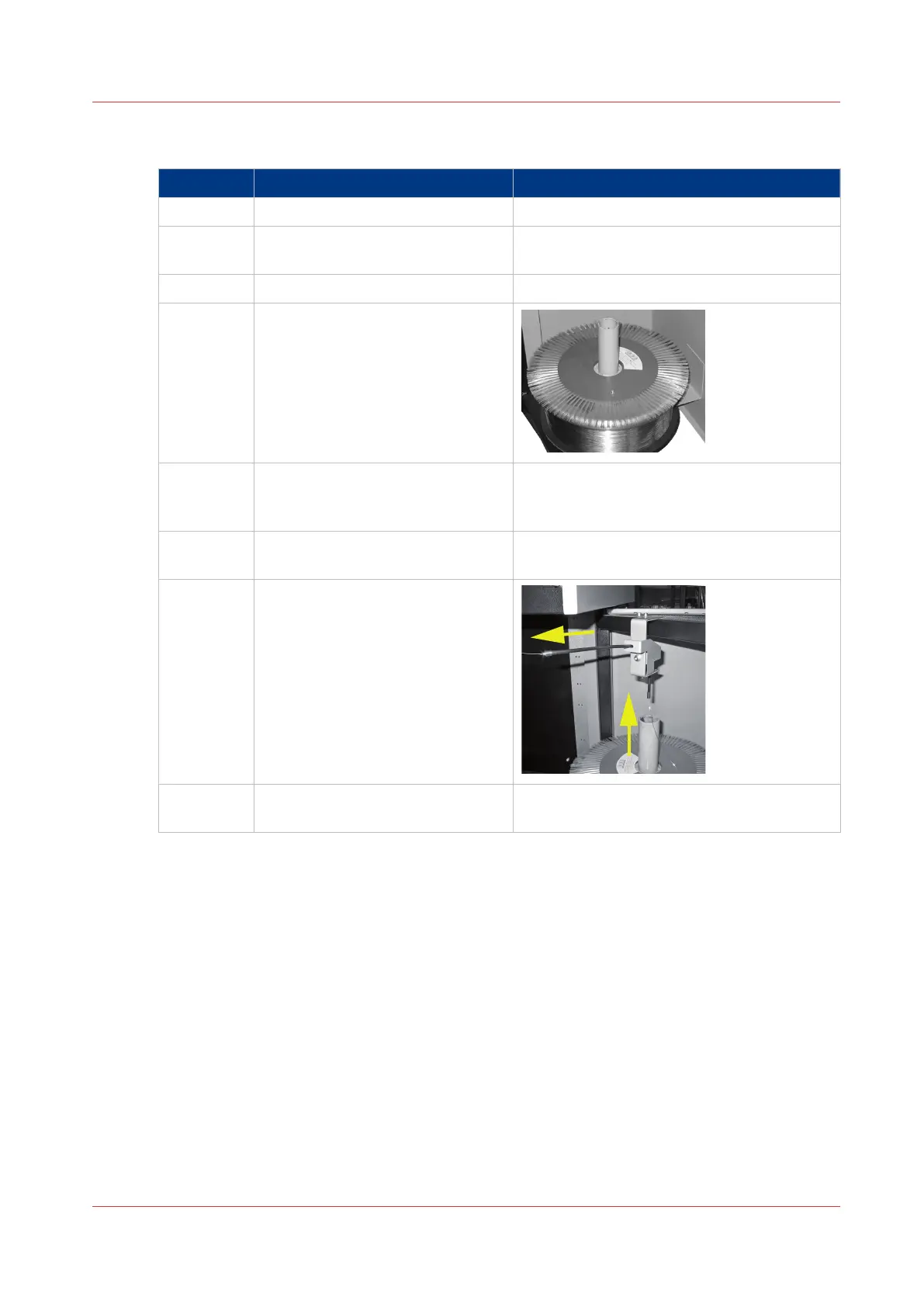
3 Fit a new stitch-wire spool.
4 Fit the stitch-wire cap
5 Loosen the end of the stitch-wire
from the edge of the stitch-wire
spool.
6 Use wire-cutters to remove the
damaged end of the stitch-wire.
Remove enough stitch-wire to leave the end
of the stitch-wire clean and straight.
7 Feed the stitch-wire through the
stitch-wire guide.
8 Install the stitch-wire.
Install the Stitch Wire into the Stitch Head
on
page 126
Fit a New Stitch-wire Spool
Chapter 7 - Maintenance
125



 To Next Page